28
BASIC PLAYBACK
EN
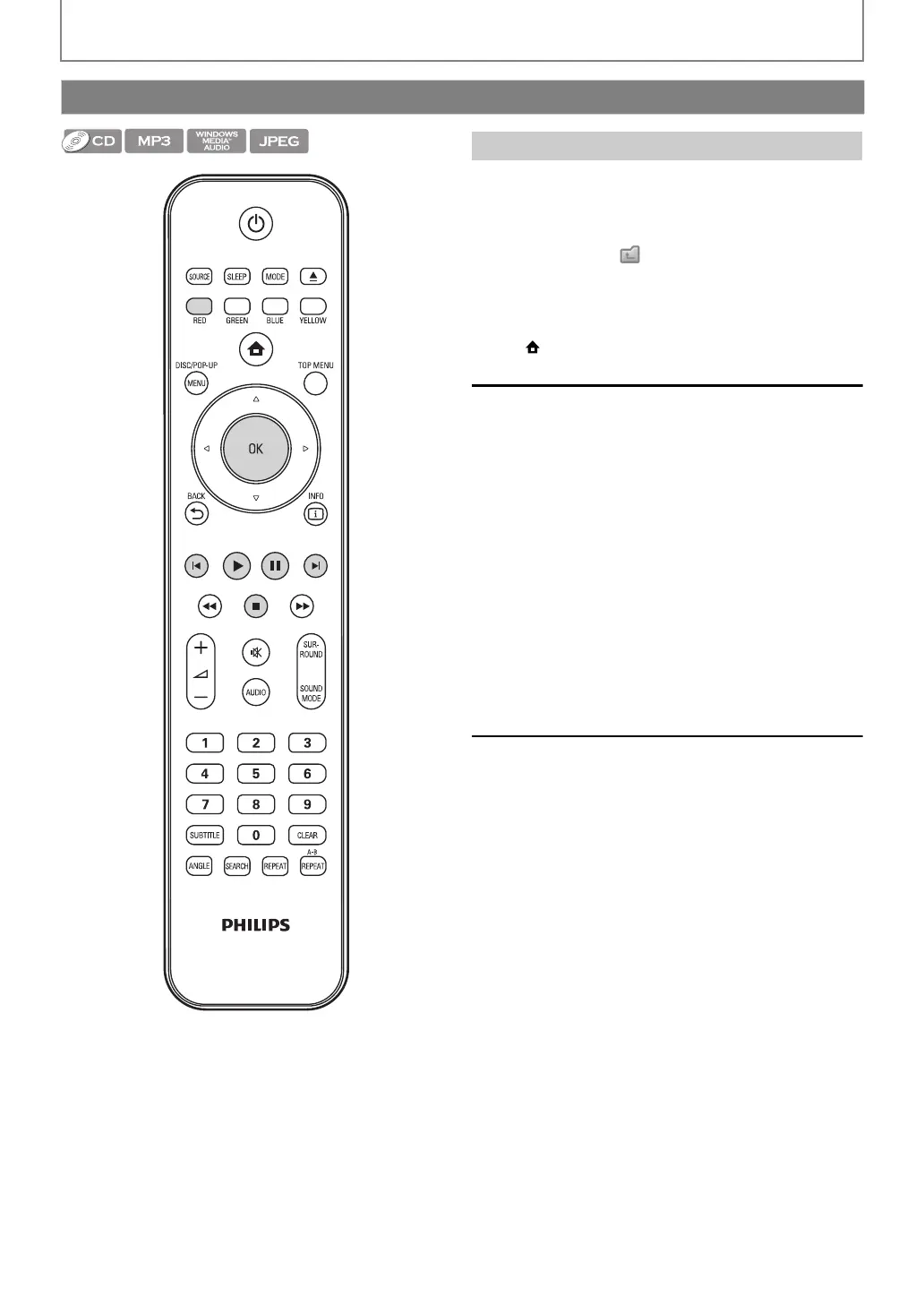
•Use [K / L] to move the highlight up and down in the
list.
• To access the files in a group (folder), select the desired
group (folder), then press [OK].
•Press [s], or select [ ], then press [OK] to go back to
the previous hierarchy.
•Press [s] to go back to the previous screen.
•Press [BLUE] or [YELLOW] to change the page of the list.
•Press [RED] to go back to the media filter screen.
•Press [(home)] to go back to the home menu.
Recommended specifications:
MP3 / Windows Media™ Audio
JPEG
Resolution
Folder / File number limitations:
BD, DVD and SD card
• 999 folders (groups) and 9,999 files.
CD
• 255 folders (groups) and 999 tracks / files.
Playing Back an Audio CD or a Disc with MP3 / Windows Media™ Audio / JPEG Files
How to Navigate through the Track / File List
• Sampling frequency : 32 kHz, 44.1 kHz or 48 kHz
• Constant bit rate : 112 kbps - 320 kbps (MP3),
48 kbps - 192 kbps
(Windows Media™ Audio)
• Upper limit :
:
2,560 x 1,900 dots
(sub sampling is 4:4:4)
5,120 x 3,840 dots
(sub sampling is up to
4:2:2)
• Lower limit : 32 x 32 dots
• Maximum file size of a
picture
:5 MB
E1S07UD_E1S08UD_EN.book Page 28 Monday, January 31, 2011 2:42 PM



 To Next Page