26
Play photo
Play photo as slideshow
This product can play JPEG photos (fi les with
.jpeg or .jpg extensions).
1 Insert a disc or USB that contains the
JPEG photos.
2 Press DISC or USB .
Slideshow begins (for Kodak disc) or »
a contents menu (for JPEG disc) is
displayed.
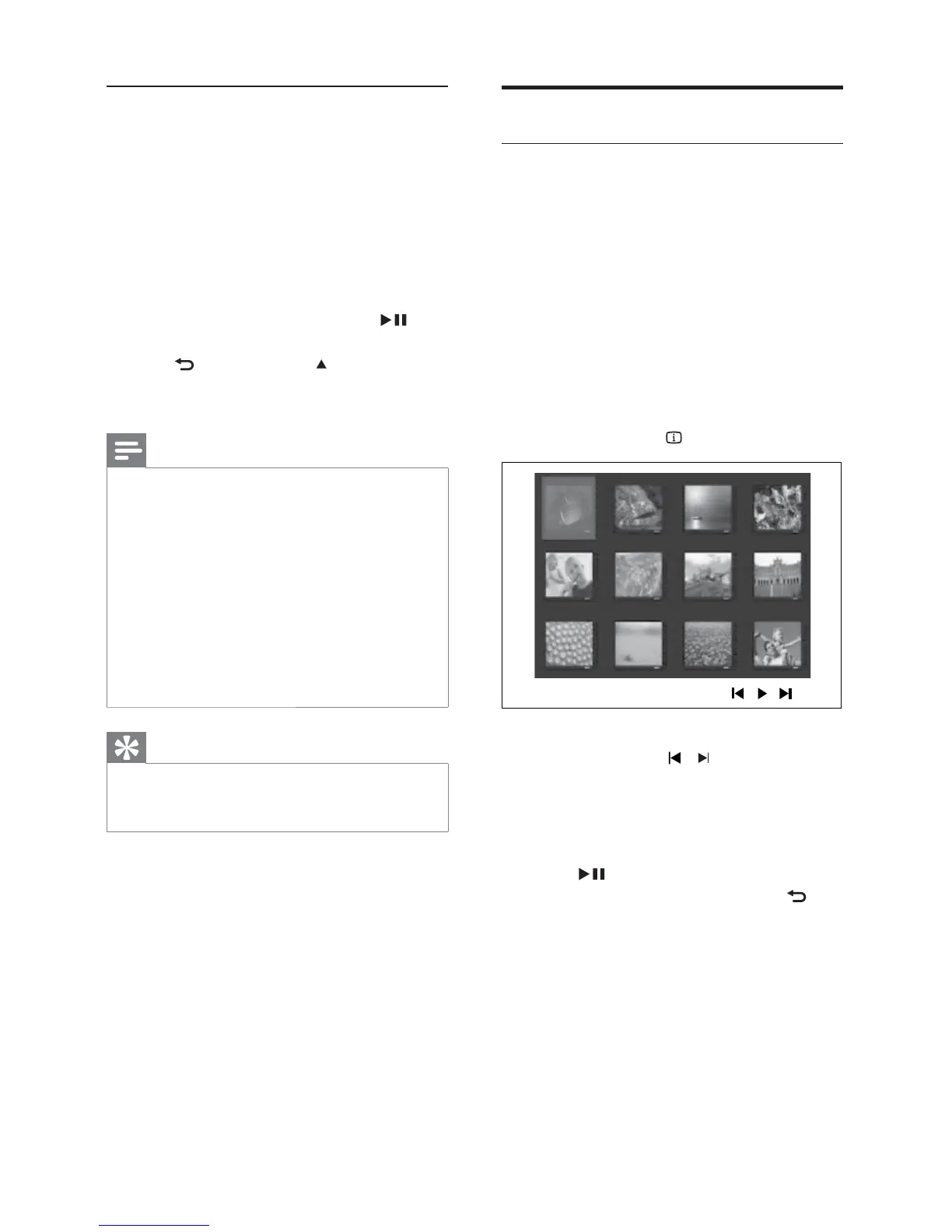
3 Select the folder/album you want to play.
To preview the photos in the folder/•
album, press
INFO .
To go to previous or next screen •
display, press
/ .
To select a photo, press the •
Navigation buttons .
To display the selected photo only, •
press OK .
4 Press to start slideshow play.
To return to the menu, press •
BACK .
Play MP3/WMA music
MP3/WMA is a type of highly compressed
audio fi le (fi les with .mp3 or .wma extensions).
1 Insert a disc or USB that contains the
MP3/WMA music.
2 Press DISC or USB .
A contents menu is displayed. »
3 Select a folder, then press OK .
4 Select a track to play, then press .
To return to the main menu, press •
BACK or press until the
‘Previous’ folder is selected, then
press OK .
Note
For a disc recorded in multiple sessions, only •
the fi rst session is played.
This product does not support MP3PRO audio •
format.
If any special characters are present in the MP3 •
track name (ID3) or album name, it might not
be displayed correctly on the screen because
these characters are not supported.
Some WMA fi les are protected by Digital •
Rights Management and cannot be played on
this product.
Folders/fi les that exceed the supported limit of •
this product will not be displayed or played.
Tip
You can select the display of data contents, •
view folders or fi les (see ‘Adjust settings’ >
‘Preferences’ > [MP3/JPEG Display] ).
EN



 To Next Page