18
English
Basic Connections (continued)
DOCK
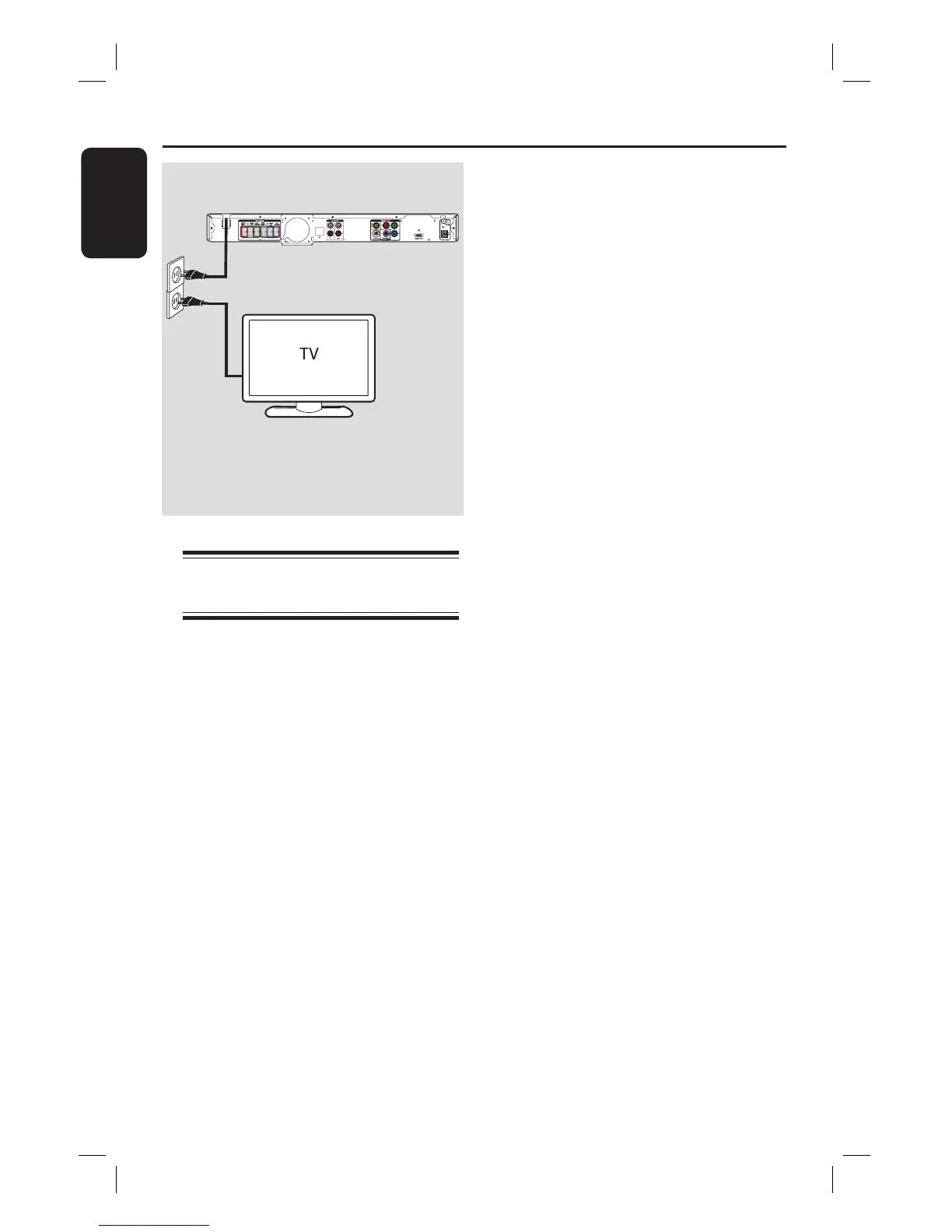
Step 5: Connecting the
power cord
After everything is connected
properly, connect the AC power
cord into the power outlet.
The standby LED on the main unit lights
up.
Helpful Hints:
– Refer to the type plate at the rear or
bottom of the product for identi cation and
supply ratings.
– Before making or changing any
connections, make sure that all the devices
are disconnected from the power outlet.



 To Next Page