45
English
Preferences (underlined options are the factory default settings)
MP3/JPEG Nav
MP3/JPEG Navigator can only be set if the disc is recorded with a
menu. It allows you to select different display menus for easy
navigation.
{ Without Menu } – Display all the les contained in the
MP3/Picture disc.
{ With Menu } – Display the folder menu of the
MP3/Picture disc.
Note: This unit can only display 648 les in the directory.
Password
The password is used for the Disc Lock and Parental. The default
password is ‘136900.’
To change the password:
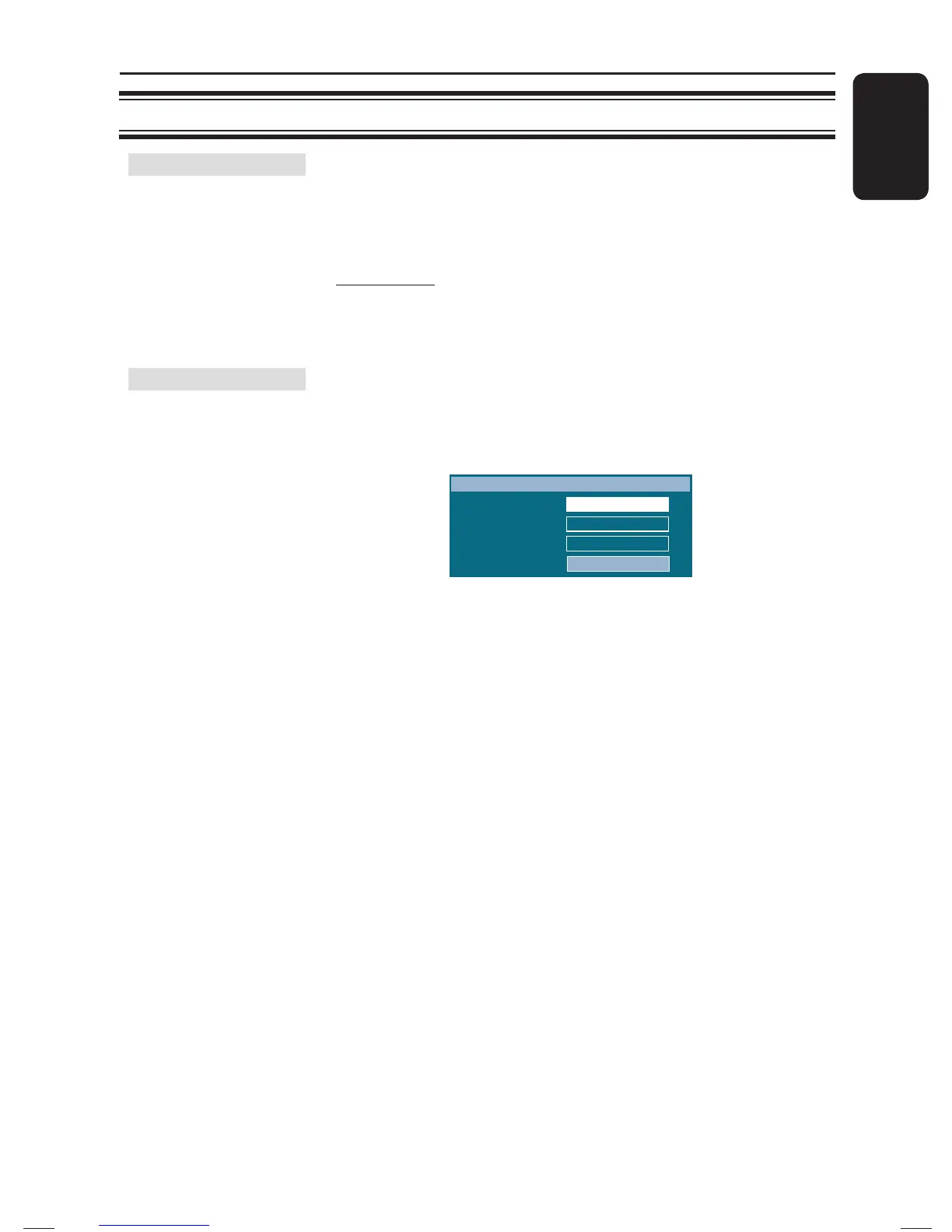
1) Press OK to access the change password menu.
Old Password
New Password
Confirm PWD
Change Password
OK
2) Use the numeric keypad 0-9 on the remote control to
enter your existing six-digit password at { Old Password }.
Note: When doing this for the rst time or if you forget your
existing password, key in ‘136900.’
3) Enter the new six-digit password at { New Password }.
4) Enter the new six-digit password again at { Con rm PWD }.
5) Press OK to con rm and exit the menu.
Setup Menu Options (continued)
1_hts3565_78_eng1.indd 451_hts3565_78_eng1.indd 45 10/14/2008 4:56:54 PM10/14/2008 4:56:54 PM


 To Next Page