15
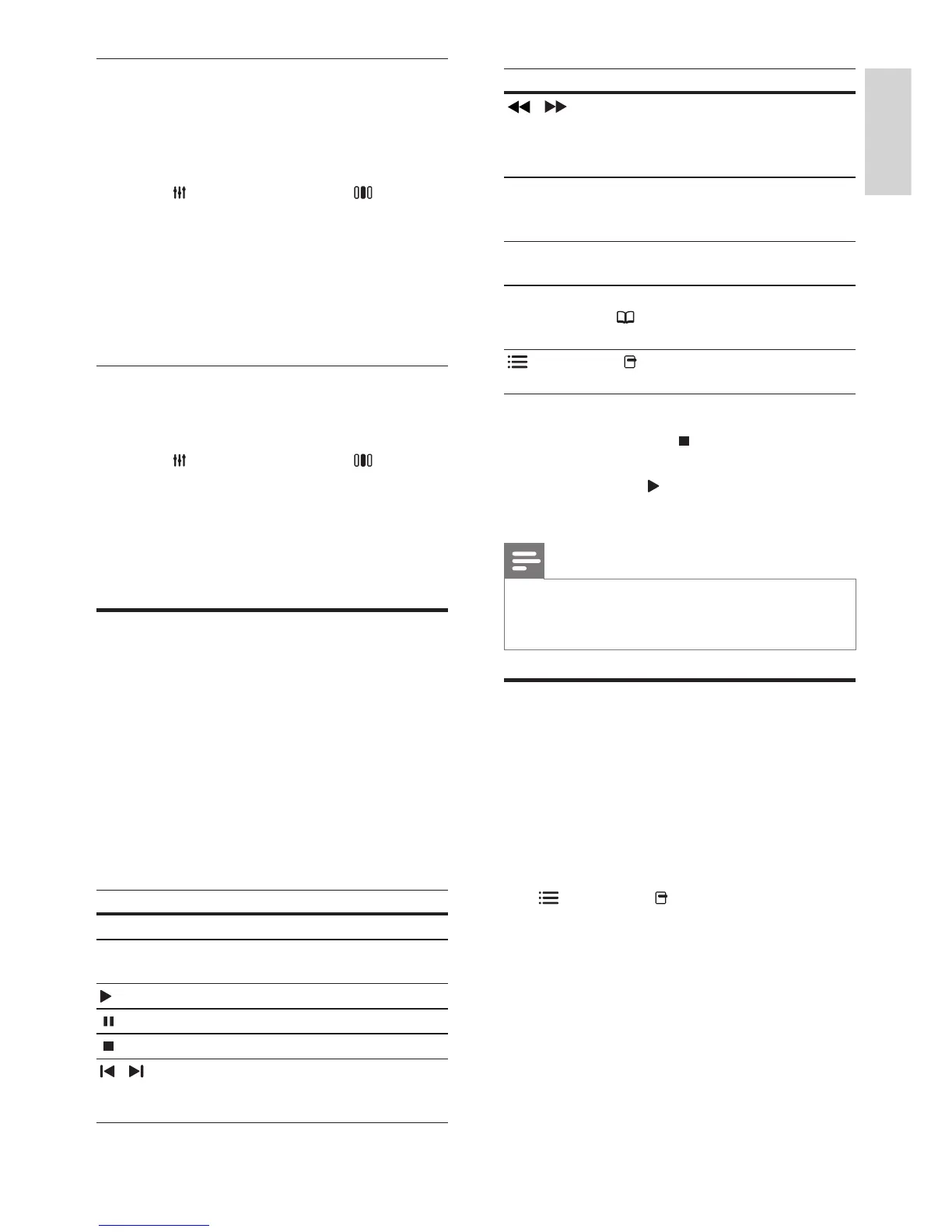
Button Action
/
Fast backwards or
fast forwards. Press
repeatedly to change
the search speed.
Navigation buttons
(up/down)
Rotates the picture
counter-clockwise or
clockwise.
SUBTITLE Selects subtitle language
for video.
POP-UP MENU/
DISC MENU /
(Disc menu)
Accesses or exits the
disc menu.
OPTIONS /
(Options)
Accesses more play
options during playback.
For video formats such as, DivX and WMV:
• To stop play, press .
• To resume the video from where you
stopped, press (Play).
• To play the video from the start, press OK.
Note
• To play DivX DRM - protected les from a disc
or a USB storage device, connect your home
theater to a TV through an HDMI cable.
Use Bonus View on Blu-ray
Blu-ray discs that support the Bonus View
feature (also known as Picture-In-Picture) allow
you to view special content such as a director’s
commentary while watching the main feature.
1 If necessary, enable BonusView (or Picture-
In-Picture) in the Blu-ray disc menu.
2 During playback of the main feature, press
OPTIONS / (Options).
» The options menu is displayed.
3 Select [PIP Selection] > [PIP], then press
OK.
» PIP options [1]/[2] depend on the video
contents.
» The picture-in-picture video appears in a
small window.
Change treble, mid and bass
Change the high frequency (treble), mid
frequency (mid) and low frequency (bass)
settings of the home theater to suit your video
or music.
1 Press SOUND SETTINGS / (Sound
options).
2 Select TREBLE, MID or BASS, then press
OK.
3 Press the Navigation buttons (up/down) to
adjust the frequency level.
4 Press OK to conrm.
Synchronize audio with video
If the audio and video are not synchronized, you
can delay the audio to match the video.
1 Press SOUND SETTINGS / (Sound
options).
2 Select AUDIO SYNC, then press OK.
3 Press the Navigation buttons (up/down) to
sync the audio with the video.
4 Press OK to conrm.
Play a disc
The home theater can play a wide variety of
discs, including video, audio and mixed media (for
example, a CD-R that contains JPEG pictures and
MP3 music).
1 Insert a disc into the home theater.
2 Press DISC.
» The disc plays or the disc main menu
appears.
3 Press the following buttons to control play:
Button Action
Navigation buttons Navigate menus.
OK Conrms an entry or
selection.
(Play)
Starts or resumes play.
Pauses play.
Stops play.
/
Skips to the previous
or next track, chapter
or le.
English
EN













 To Next Page