37
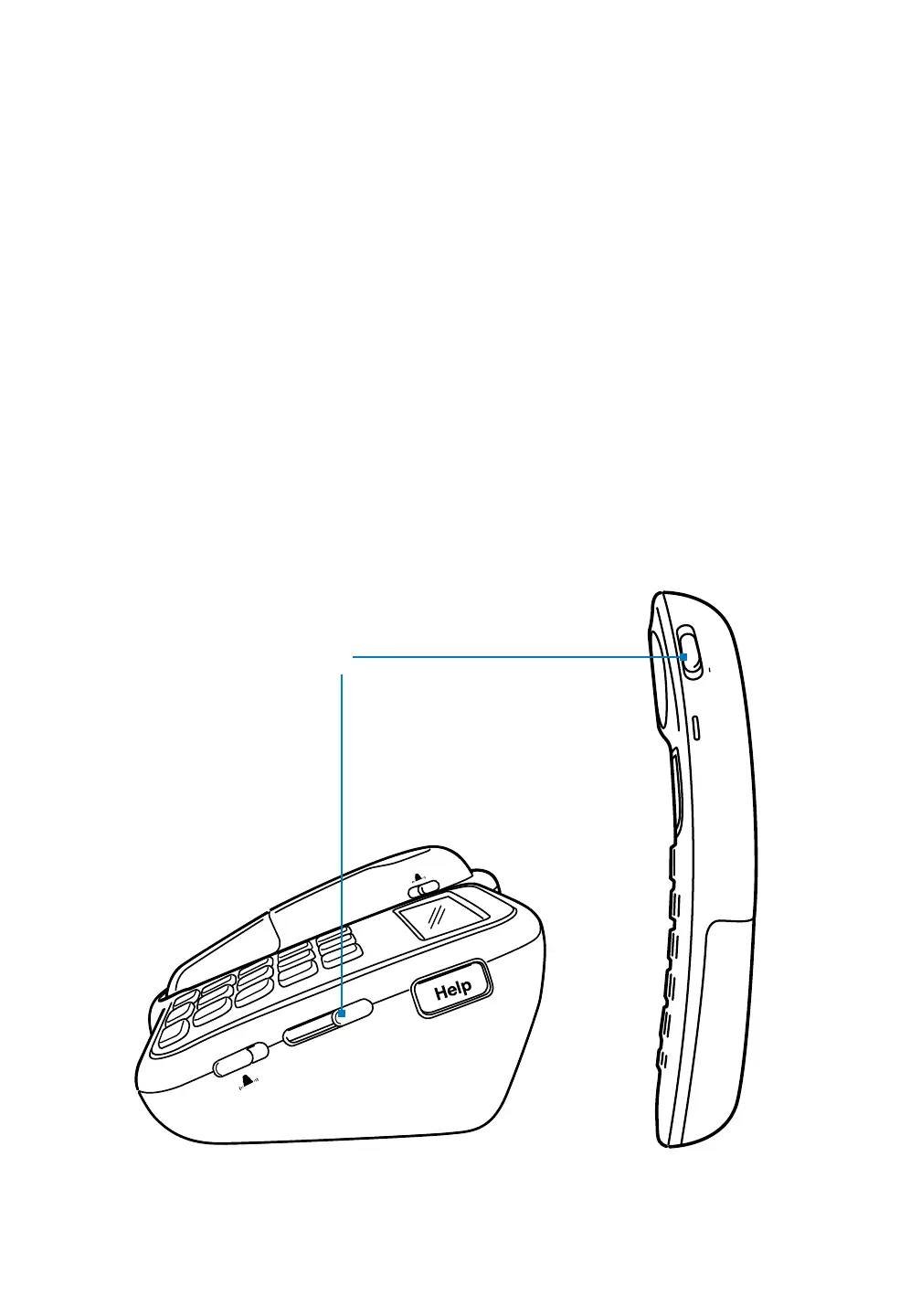
Speaker Volume
You can adjust the volume of the speaker on the phone base, handset and
optional Voice Extension. The speaker volume control is a sliding switch,
indicated by the word “Volume.”
• Tomakethevolumelouder,slidethecontroltowards“+.”
• Tomakethevolumesofter,slidethecontroltowards“–.”
Speaker volume



 To Next Page