28
English
3139 115 22612
Program - cont’d
Playback tracks
1 After complete programming, press 1
234 to move the cursor to the START
button.
2 Press OK.
➜ Playback will start with the selected
tracks under the programmed sequence.
Quit the program playback
1 In the ‘Program’ menu, use 1 234 to
move the cursor to the EXIT button.
2 Press OK to quit.
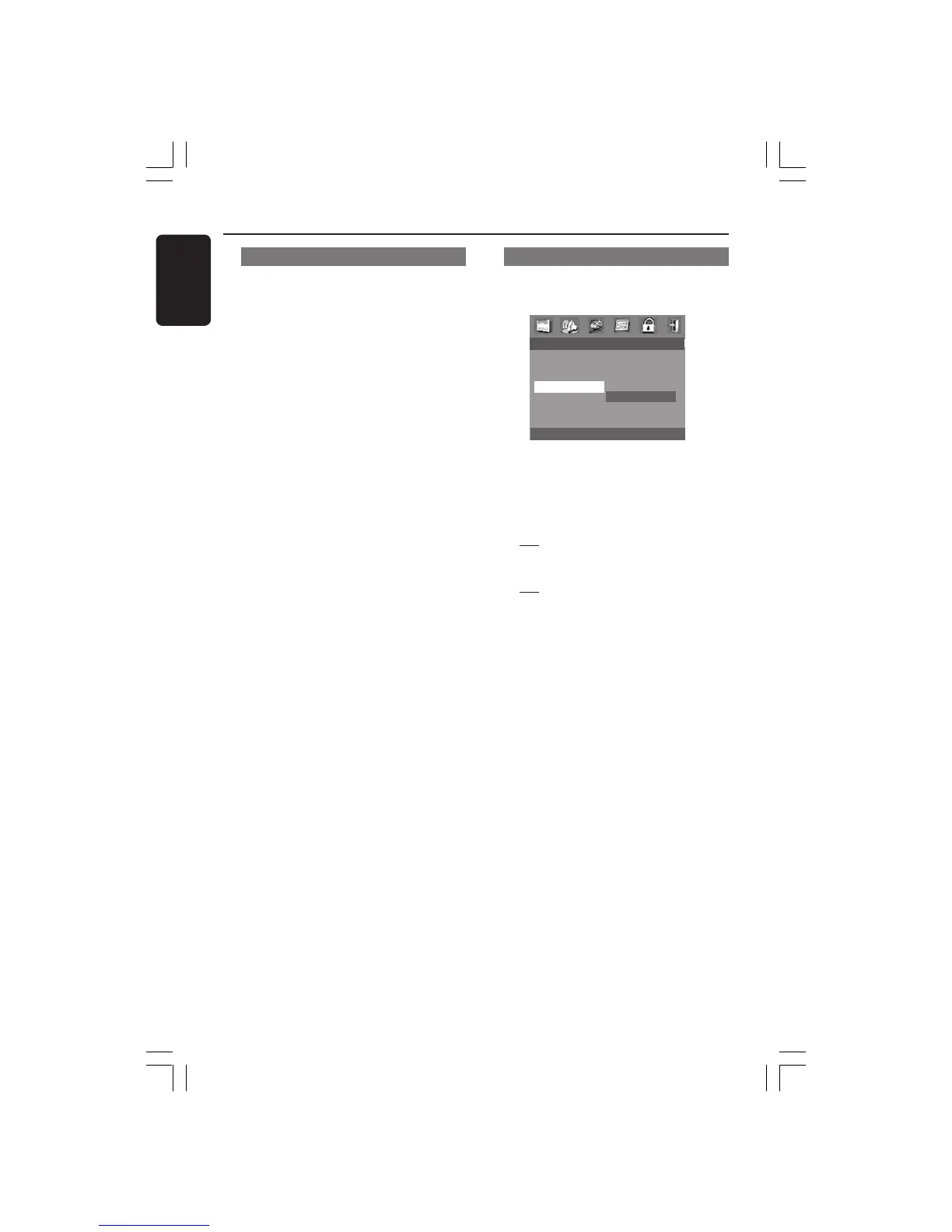
Screen Saver
This function is used to turn the screen
saver on or off.
- - GENERAL SETUP PAGE - -
DISC LOCK
PROGRAM
OSD LANGUAGE
SCREEN SAVER ON
OFF
1 Press 34 to highlight ‘Screen Saver’.
2 Enter its submenu by pressing 2.
3 Move the cursor by pressing 34 to
highlight the selected item.
➜
On: In STOP or No DISC mode, if no
actions are performed about 15 minutes,
the screen saver will be activated.
➜
Off: Screen saver is disabled.
4 Press OK, then press 1 to return to
General Setup Page.
DVD Menu Options
001-041-LX36-22-Eng 21/08/2003, 9:44 AM28



 To Next Page
 Loading...







