5EN
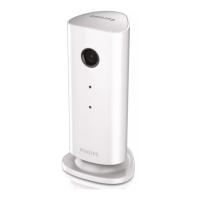
Product overview
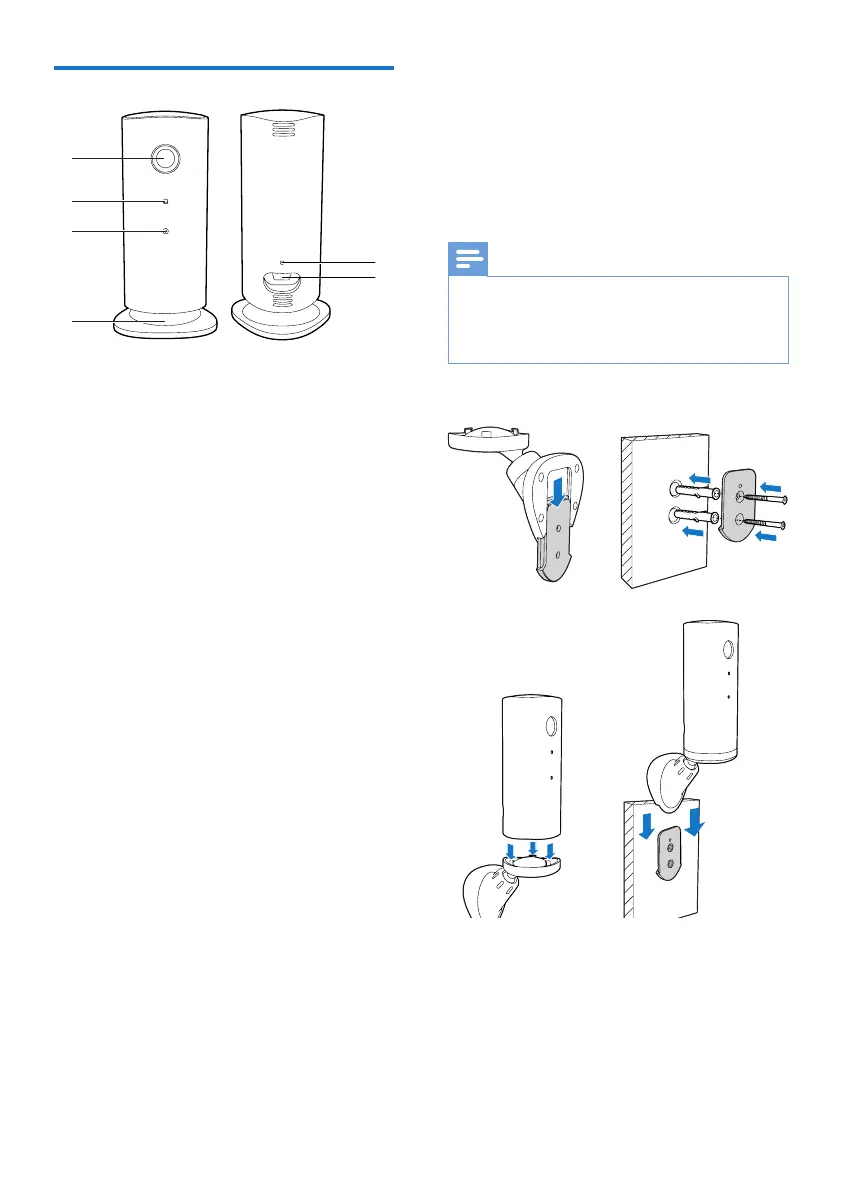
a Camera lens
b Microphone
c LED light
d Magnetic base
e DC power connector
f Reset key
a
b
c
d
f
e
3 Placement
You can place the Monitor on a at surface with
the magnetic base. Or you can attach it to the
ceiling or wall, see the pictures below:
Note
• Before you place the monitor, make sure the monitor is
close to a power outlet.
• Before you secure the supplied dowels and screws, drill
holes on a at and hard surface.
Mount on wall


 To Next Page