27
For audio players with headphone •
sockets:
Connect the supplied MP3 Link cable
to the MP3 LINK socket and to the
headphone socket on the audio player.
2 Select the MP3 Link/AUX source.
3 Start play on the audio player.
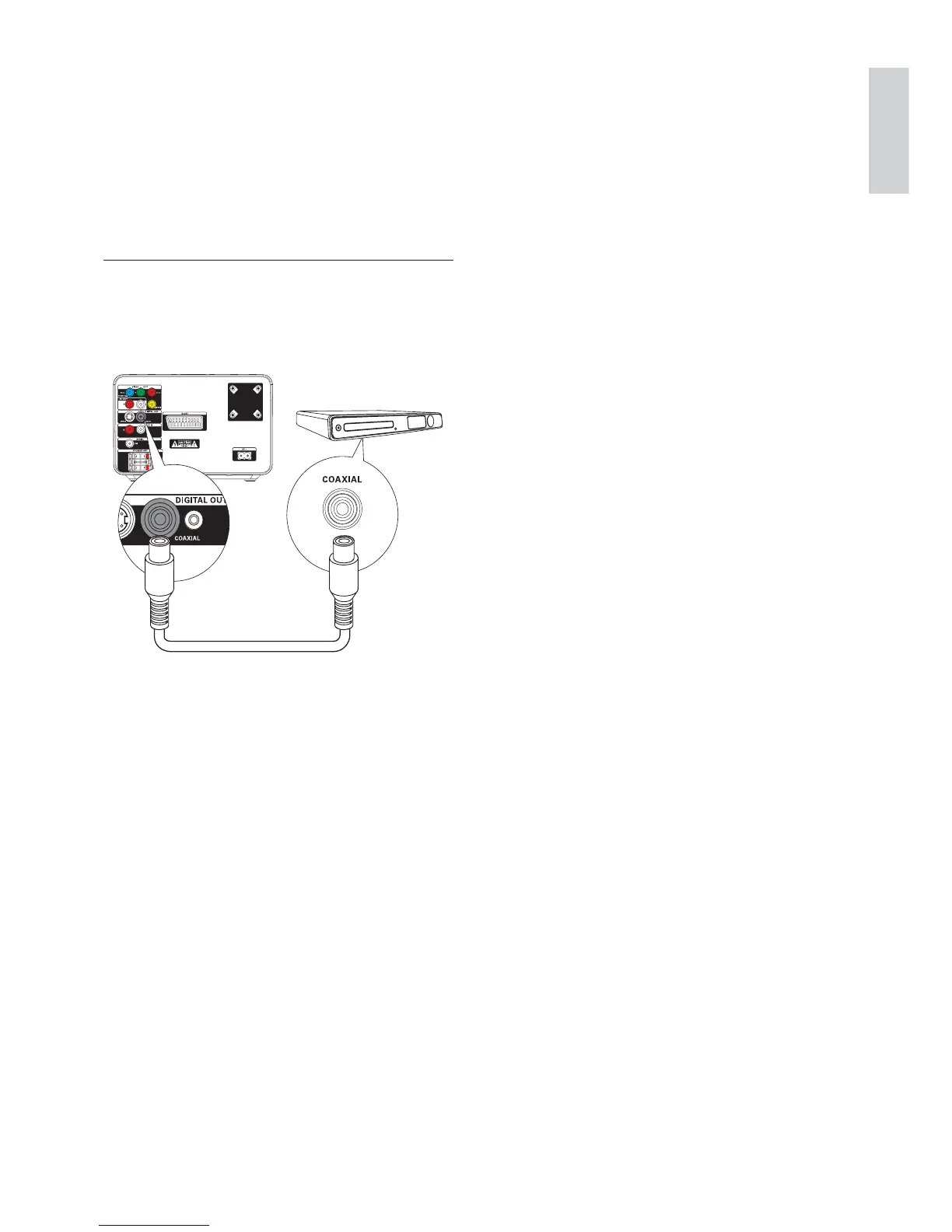
Record to a digital recorder
You can record audio from this unit to a digital
recorder.
1 Connect a coaxial cable (not supplied) to:
the• COAXIAL socket
the digital input socket on the digital •
recorder
2 Play audio to be recorded.
3 Begin to record on the digital recorder
(see the digital recorder user manual).
English
EN



 To Next Page