Need help?
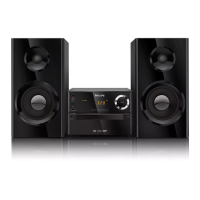
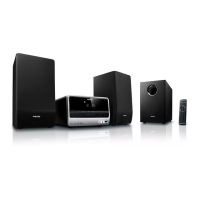
Do you have a question about the Philips MCD290 and is the answer not in the manual?
Important precautions for handling, placement, and protection against heat, moisture, and dust.
Steps for connecting the DVD player to the TV via Video In or S-Video.
Connects system's S-VIDEO jack to TV's S-Video input for better picture quality.
Final step to connect the system to the power outlet.
Description of buttons and functions on the main system unit.
Explanation of buttons and their functions on the remote control.
Step-by-step guide to setting the system's 24-hour clock.
Configure TV system (NTSC/PAL/AUTO) and TV type (4:3/16:9) for optimal display.
Set preferred languages for OSD, audio, subtitles, and menus.
Instructions for playing MP3 music files and JPEG image files from discs.
Set parental control levels (1-8) to restrict disc playback based on age.
Adjust brightness, contrast, hue, saturation, and TV mode settings.
Configure digital output, downmix, 3D processing, LPCM, and night mode.
Adjusting volume, using headphones, and muting the sound.
Guides to resolve issues like no power, no picture, poor quality, and unresponsiveness.
Resolving issues with language, sound, radio reception, recording, remote, timer, and clock settings.
 General
| Type | Micro Hi-Fi System |
|---|---|
| Audio Formats | MP3, WMA |
| USB Direct Recording | Yes |
| Speaker Type | 2-Way |
| Disc Playback | CD, CD-R, CD-RW |
| Tuner | FM |
| Connectivity | Aux in, USB |


 To Next Page