Step B
Enjoy
Playing iPod using the dock
1
Select the correct dock adaptor supplied, then snap the adaptor into the dock connector (iPod) to provide a
snug fit for the player.
● The indication on the adaptor’s back fits specific iPod player.
2
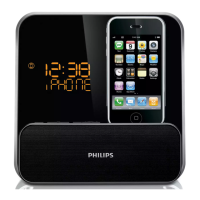
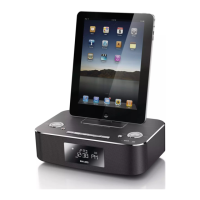
Correctly place your player in the dock connector.
3
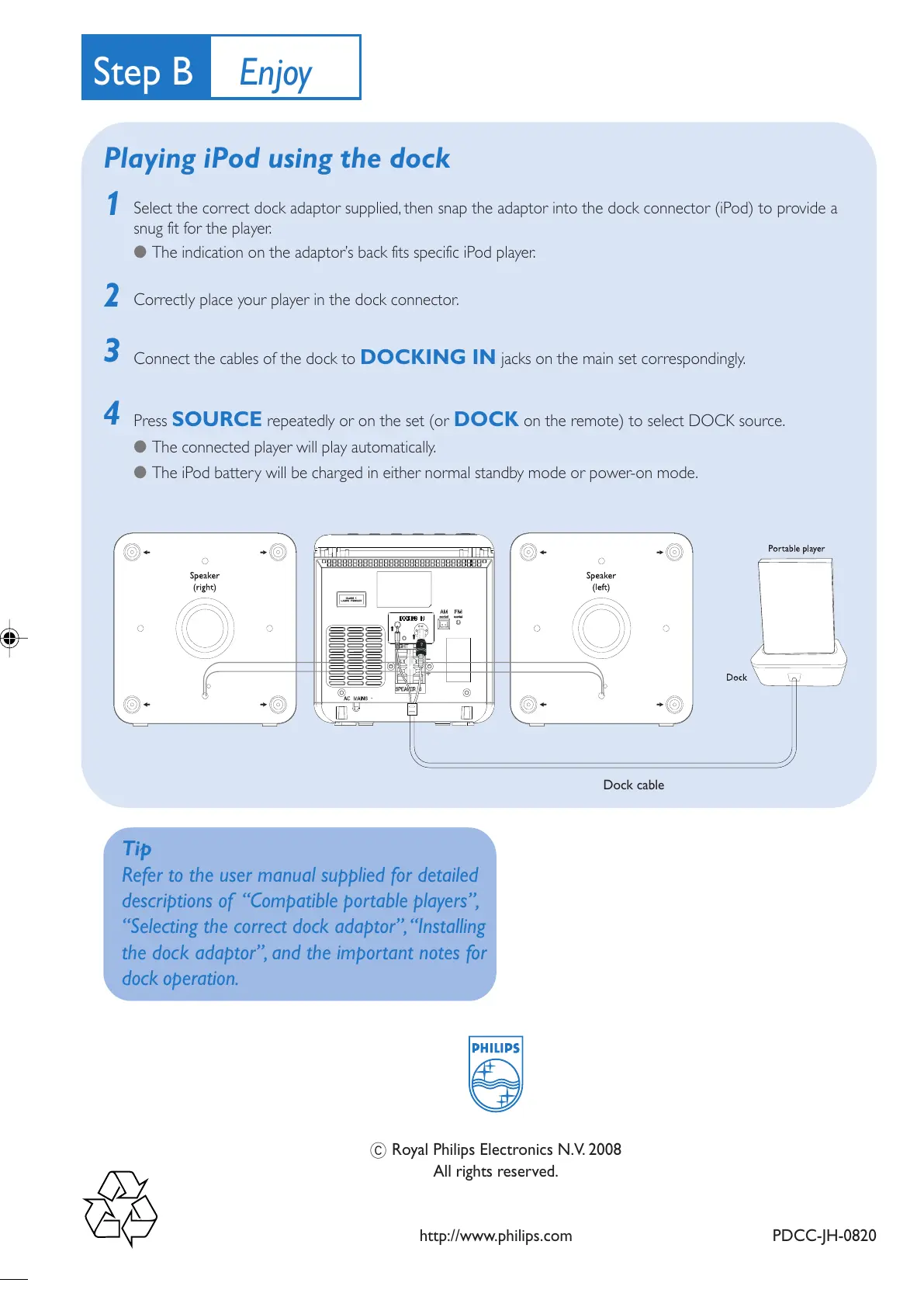
Connect the cables of the dock to DOCKING IN jacks on the main set correspondingly.
4
Press SOURCE repeatedly or on the set (or DOCK on the remote) to select DOCK source.
● The connected player will play automatically.
● The iPod battery will be charged in either normal standby mode or power-on mode.
sd
Tip
Refer to the user manual supplied for detailed
descriptions of “Compatible portable players”,
“Selecting the correct dock adaptor”, “Installing
the dock adaptor”, and the important notes for
dock operation.
Dock cable
PDCC-JH-0820
C Royal Philips Electronics N.V. 2008
All rights reserved.
http://www.philips.com
MCM138D_12 QUG_Eng_iPod 5/16/08, 16:484


 To Previous Page