
 Need help?
Do you have a question about the Philips DCB291/12 and is the answer not in the manual?
Provides critical safety instructions and warnings to prevent injury and product damage.
Overview of the unit's capabilities, including radio, audio playback, and alarms.
Lists all the items included in the product package for user verification.
Instructions for correctly inserting batteries into the main unit for operation.
Steps to activate and prepare the remote control for use, including battery installation.
Guidance on connecting the power adapter to the unit and a wall socket.
Detailed instructions for setting the unit's clock and date, including automatic synchronization.
How to power on the unit and switch between standby and active modes.
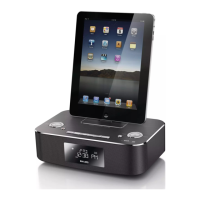
Guide on docking and playing audio content from Apple devices via the unit.
Instructions for connecting and playing audio from other devices using the MP3 link cable.
How to control volume and apply sound effects like bass enhancement and presets.
Steps to tune into DAB+ radio stations, store them automatically or manually.
Guide to tuning FM stations, storing them, selecting stereo/mono, and viewing RDS information.
Instructions for setting up to two alarms, including source, volume, and recurrence.
How to configure the unit to automatically switch to standby mode after a set period.
Instructions on changing the brightness level of the unit's display panel.
Technical details and specifications of the unit, including speakers, amplifier, and tuners.
 General
| Brand | Philips |
|---|---|
| Model | DCB291/12 |
| Category | Docking Station |
| Language | English |

 To Next Page









