10
English
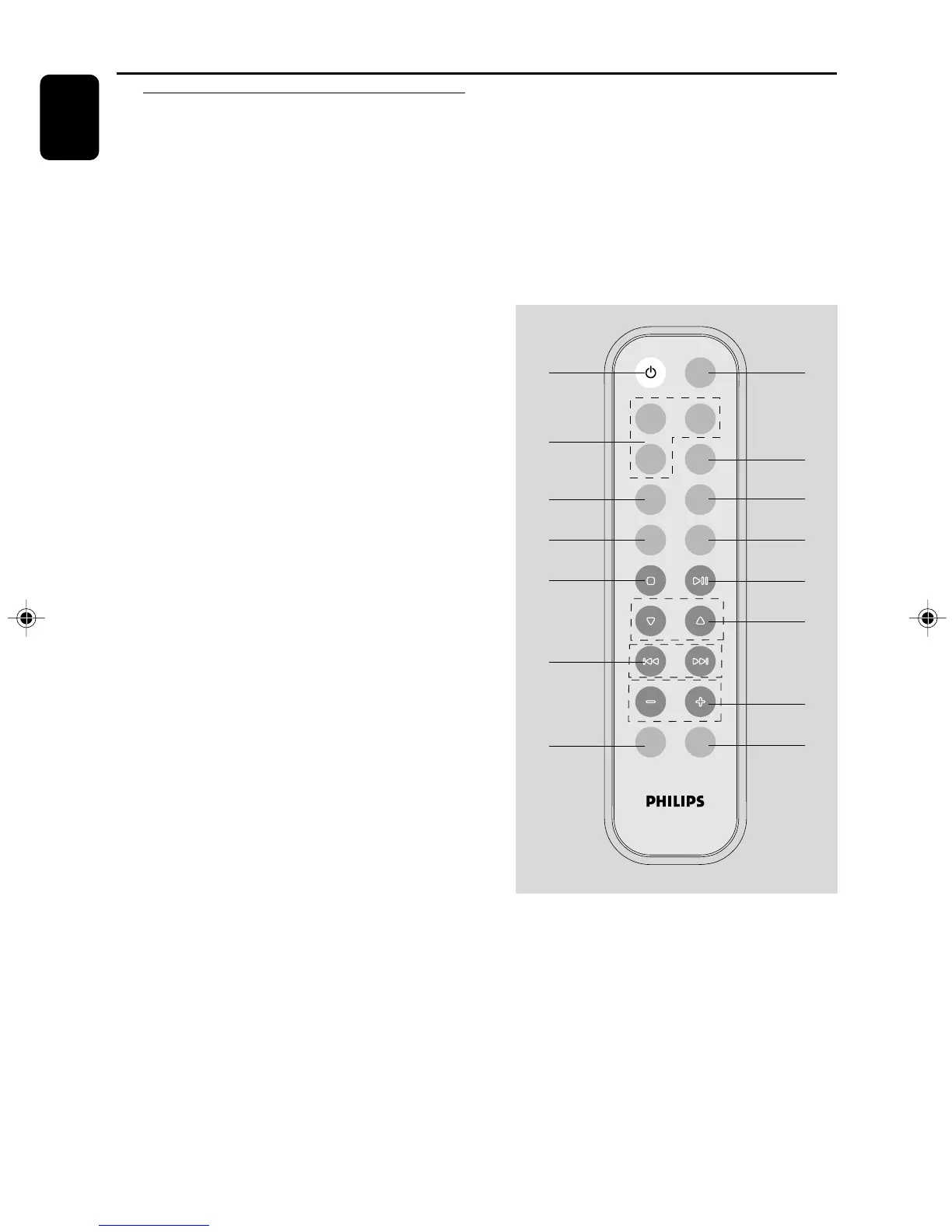
Controls (illustrations on page 3)
Controls on the system and
remote control
1 BAND
–for Tuner.......... (on the set only) selects waveband.
2 SOURCE (CD/ TUNER/DOCK)
– switches on the system.
– selects the respective sound source for CD/ FM/
MW/ DOCK.
3 STANDBY-ON / y
– switches the system to standby/Eco power
standby/on.
4 PROG/CLOCK
for CD ................. programs tracks and reviews the
program.
for clock .............. sets the clock function.
5 OPEN•CLOSE
– opens/closes the CD door.
6 VOLUME
–
/
+
– adjusts volume level.
7 TUNING 0
– tunes to radio stations.
8 iR SENSOR
– infrared sensor for remote control.
9 n
– connect headphones.
0 ÉÅ
for CD ................. starts or pauses CD playback.
! ¡1 / 2™
– skips to the beginning of a current track/
previous/ next track.
– fast searches back and forward within a track/
CD.
@ STOP 9
– stops CD playback or erase a CD program.
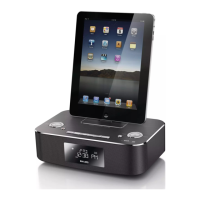
# DOCK
– selects sound source of DOCK
$ MUTE
– switches playback sound off and on.
% REPEAT
– repeats a track/ disc/all programmed tracks.
^ SHUFF (SHUFFLE)
– plays CD/MP3 tracks in random order.
& SLEEP
– activates/deactivates or selects the sleeper time.
* TIMER
– activates/deactivates or sets the timer function.
( ALBUM 4 3
for MP3/WMA disc...........selects an album.
) DBB
– (Dynamic Bass Boost) enhances the bass.
¡ DSC
– (Digital Sound Control) selects sound
characteristics: JAZZ/POP/CLASSIC/ROCK.
VOLUME
ALBUM
DBB DSC
MUTE
SLEEP TIMER
REPEAT
SHUFF
PROG
CD
TUNER
3
2
%
&
@
!
)
$
4
^
*
0
(
6
¡
DOCK
Notes for remote control:
– First select the source you wish to control
by pressing one of the source select keys on
the remote control (for example CD ,
TUNER).
– Then select the desired function
(for exampleÉ,
í,
ë).
PG001-020_MCM138D_12-Eng 5/20/08, 16:4510


 To Next Page