3 - 2
CONTROLS
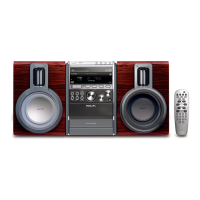
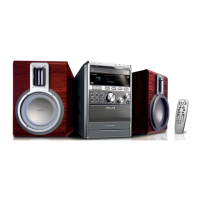
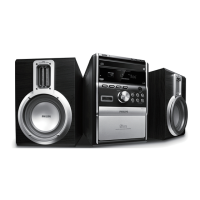
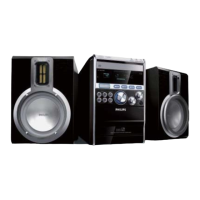
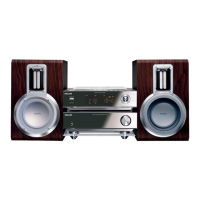
MICRO SYSTEM MCM700
TUNER / POWER AMPLIFIER MCM700
6
3
5
%
$
7
#
9
8
2
1
⁄
4
º
1
#
*
!
9
(
0
≥
$
8
@
%
^
∞
£
!
@
≤
5
§
•
¡
™
ª
)
&
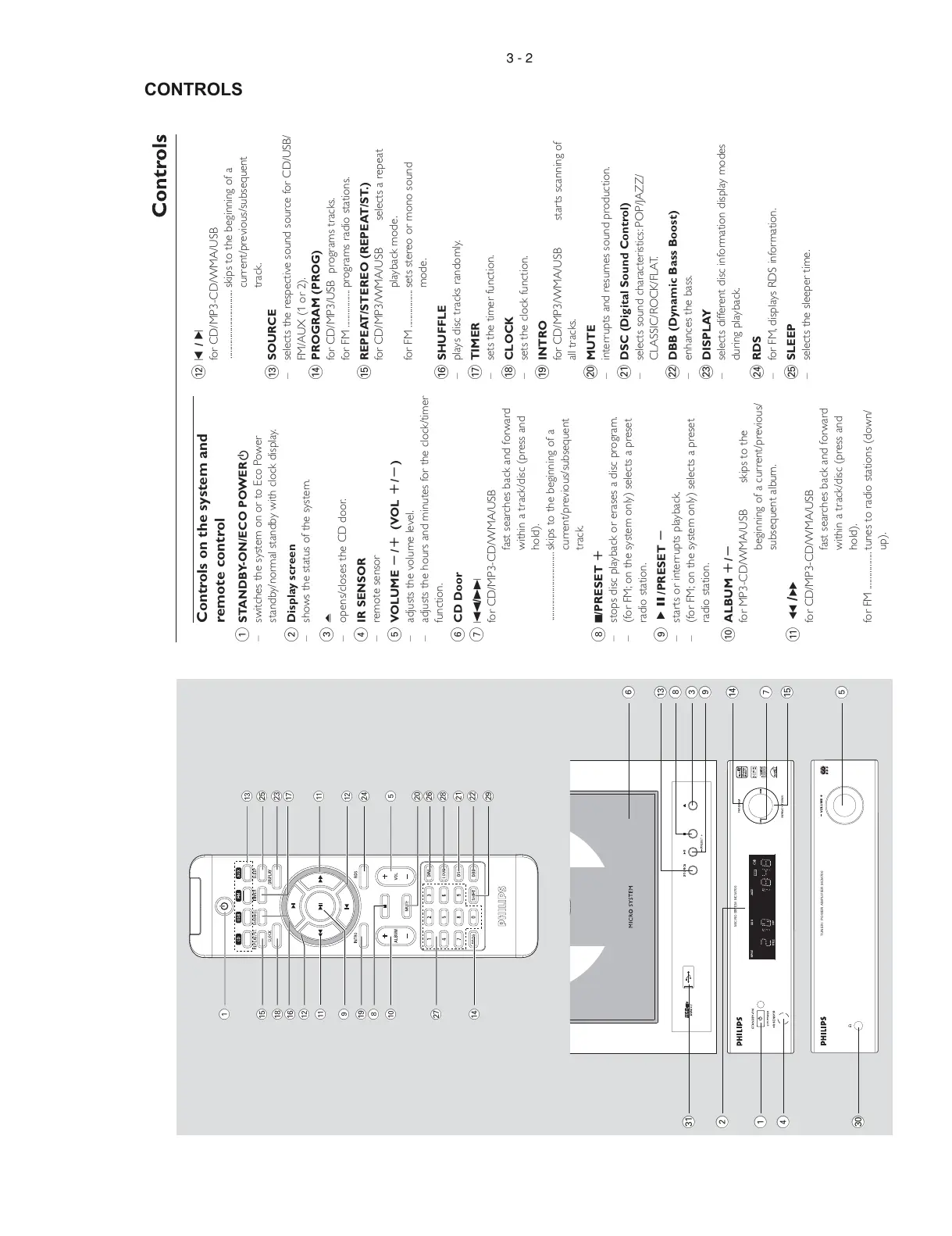
Controls on the system and
remote control
1
STANDBY-ON/ECO POWERB
– switches the system on or to Eco Power
standby/normal standby with clock display.
2 Display screen
– shows the status of the system.
3 ?
– opens/closes the CD door.
4 IR SENSOR
– remote sensor
5 VOLUME -/+ (VOL +/-)
– adjusts the volume level.
– adjusts the hours and minutes for the clock/timer
function.
6 CD Door
7 S/T
for CD/MP3-CD/WMA/USB
fast searches back and forward
within a track/disc (press and
hold).
................................. skips to the beginning of a
current/previous/subsequent
track.
8 9/PRESET +
– stops disc playback or erases a disc program.
– (for FM; on the system only) selects a preset
radio station.
9 ÉÅ/PRESET -
– starts or interrupts playback.
– (for FM; on the system only) selects a preset
radio station.
0 ALBUM +/-
for MP3-CD/WMA/USB skips to the
beginning of a current/previous/
subsequent album.
! 5 /6
for CD/MP3-CD/WMA/USB
fast searches back and forward
within a track/disc (press and
hold).
for FM .................. tunes to radio stations (down/
up).
@ ¡ / ™
for CD/MP3-CD/WMA/USB
................................. skips to the beginning of a
current/previous/subsequent
track.
# SOURCE
– selects the respective sound source for CD/USB/
FM/AUX (1 or 2).
$ PROGRAM (PROG)
for CD/MP3/USB programs tracks.
for FM .................. programs radio stations.
% REPEAT/STEREO (REPEAT/ST.)
for CD/MP3/WMA/USB selects a repeat
playback mode.
for FM .................. sets stereo or mono sound
mode.
^ SHUFFLE
– plays disc tracks randomly.
& TIMER
– sets the timer function.
* CLOCK
– sets the clock function.
( INTRO
for CD/MP3/WMA/USB starts scanning of
all tracks.
) MUTE
– interrupts and resumes sound production.
¡ DSC (Digital Sound Control)
– selects sound characteristics: POP/JAZZ/
CLASSIC/ROCK/FLAT.
™ DBB (Dynamic Bass Boost)
– enhances the bass.
£ DISPLAY
– selects different disc information display modes
during playback.
≤ RDS
– for FM, displays RDS information.
∞ SLEEP
– selects the sleeper time.


 To Next Page