32
English
DVD Menu Options
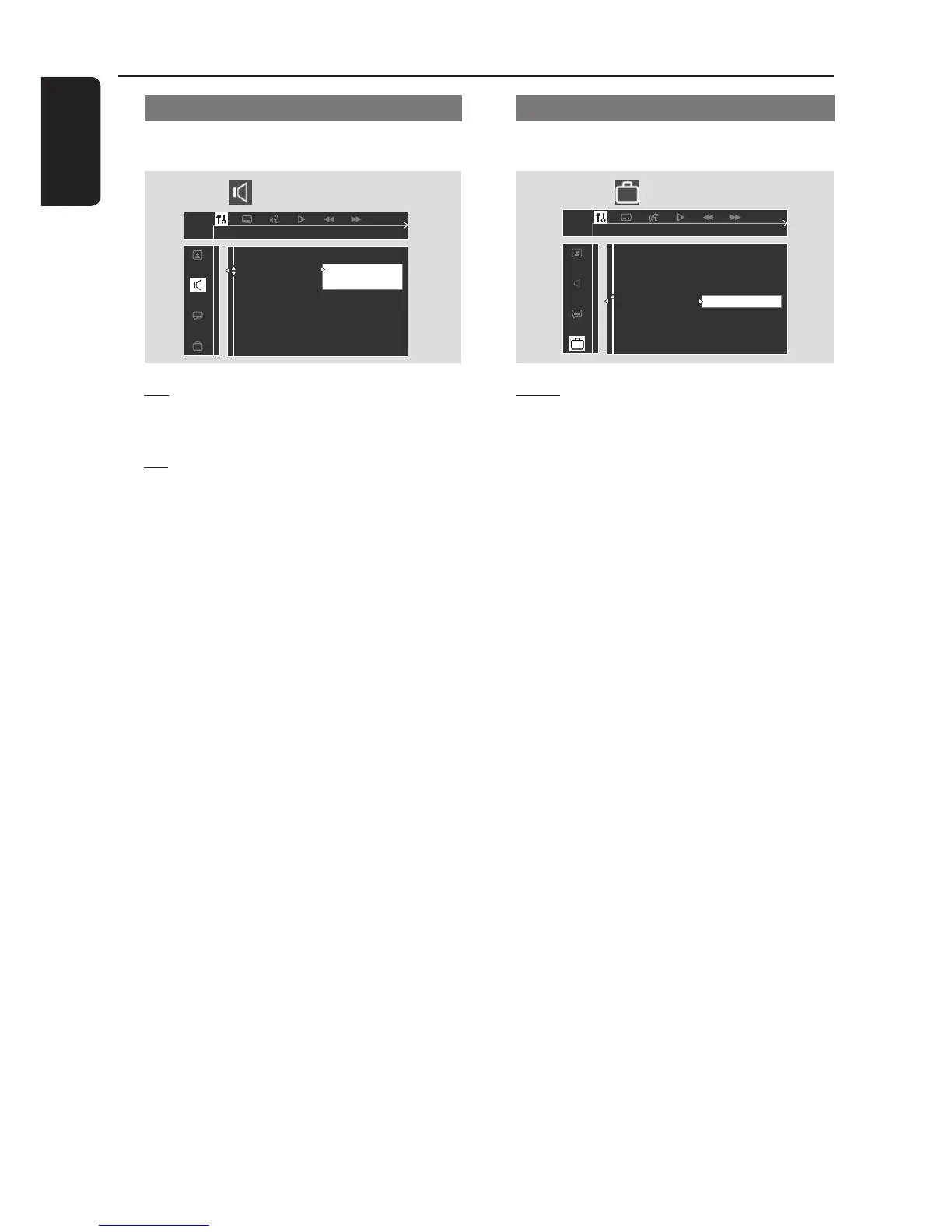
Night mode - turning on/off
Follow the steps of “Using the Setup Menu”
and select :
> Night Mode
Off
On
Set Night mode
Digital Output
Analog Output
Night mode
Speakers
Speaker Layout
PCM Output
Off
Select this when you want to enjoy the
surround sound with its full dynamic range.
On
Select this to level out the volume. High
volume outputs will be softened and low
volume outputs are brought upward to an
audible level. This feature is only available for
movies with Dolby Digital mode.
Restoring to original settings
Follow the steps of “Using the Setup Menu” and
select :
> Defaults
Reset
Pressing 2 on the remote will restore all the
items in the setup menu to the original factory
setting except for your Parental Control
password.



 To Next Page