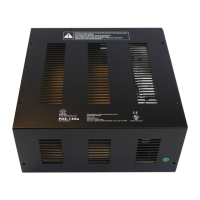
PDS-150e Product Guide 9
Ethernet Data Input Connections
1. RunCAT5eorbettercablefromthedataoutputportofaPhilipsColorKinetics
Ethernetcontroller(suchasLightSystemManagerorColorDialPro)toan
Ethernetswitch(oraPower-over-Ethernetswitch,ifrequiredbythecontroller).
2.Connectasecondcabletooneoftheswitch’sports.
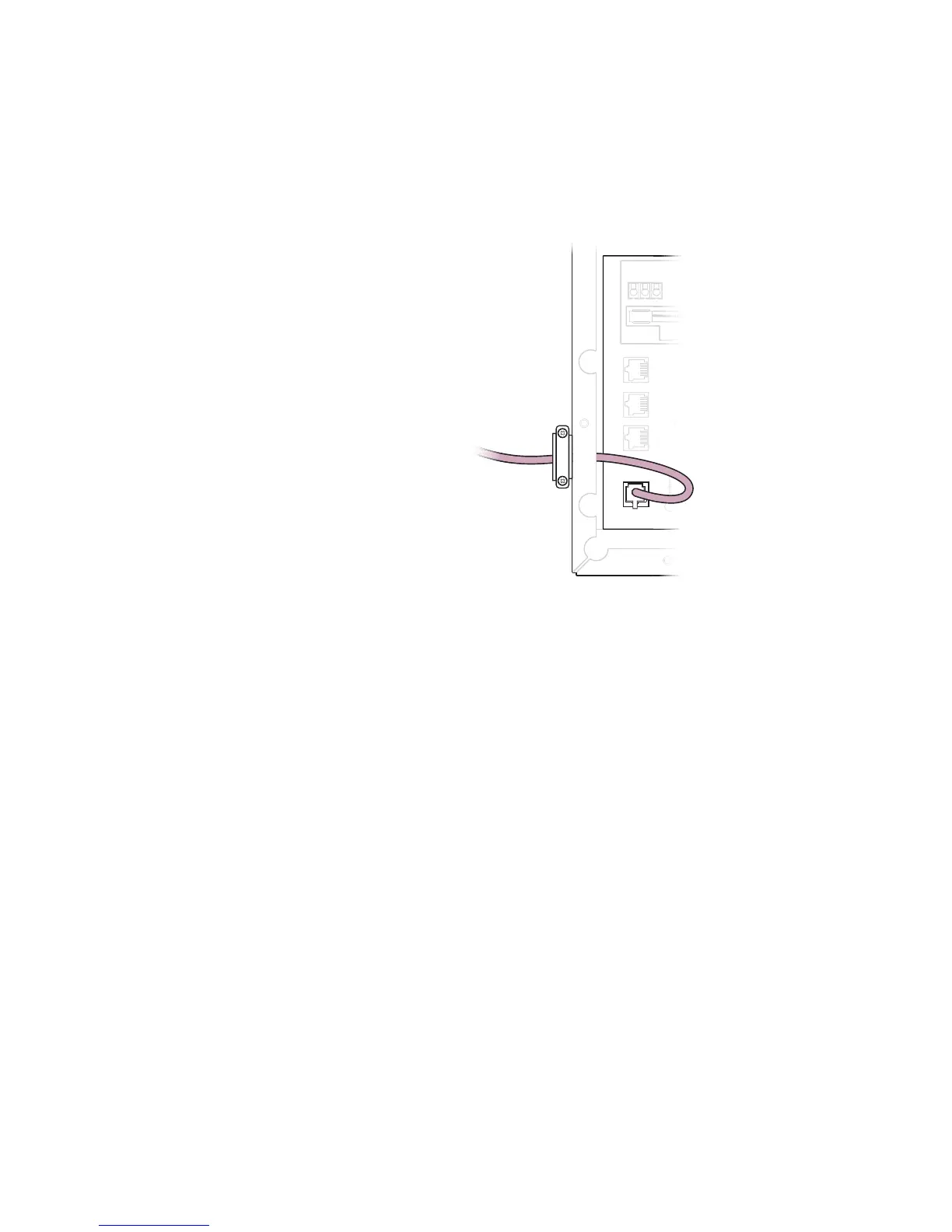
3.LocatetheEthernetportinsidethePDS-150ehousing.Connectthecabletothis
port.
In an Ethernet Network, Connect to Downstream Devices using DMX
ThePDS-150eallowsyoutousetheEthernetinputportwhileoutputtingaDMX
signaltodownstreamdevices.
1. RunaCAT5eorbettercableoutoftherstdevice’sDMXOUTREPEATERport
tothenextdevice’sDMXINport.
2.Toaddanotherpower/datasupplytotheDMXchain,runacablefromthe
previousdevice’sDMXLOOPOUTporttothenextdevice’sDMXINport.
3.After32devicesinachain,insertaDMXterminatorintheDMXLOOPOUT
port,andinsertacablefromtheDMXOUTREPEATERporttotheDMXIN
portofthenextpower/datasupply.(ThiswillboosttheDMXsignalandmaintain
dataintegrity.)IfatotalDMXrunlengthexceeds1000ft(305m),werecommend
usingacommerciallyavailablethird-partyDMXrepeater.
4. Atthelastpower/datasupplyintheDMXchain,insertaDMXterminatorinthe
DMXLOOPOUTport.
Power
Data
Eth Tx
Eth Rx
Fault
Output
Com
Data
24V
Com
Data
24V
Com
Data
24V
Com
Data
24V
Com
Data
24V
Com
Data
24V
DMX OUT
REPEATER
DMX
LOOP OUT
DMX IN
ETHERNET
Com D- D+ 24V
Com
Aux Output
150W Power Supply
CAUTION: There is one fuse per two terminal blocks
denoted as Groups A, B, C,
Therefore, the maximum number of lights on
any one group must be limited per
PDS 150 Installation Instruction.
Group AGroup BGroup C
Output
DMX OUT
REPEATER
DMX
LOOP OUT
DMX IN
15
Group A
ETHERNET
To Ethernet
switch
E Note that even if you are using an
Ethernet network, if you are outputting a
signal to downstream devices using DMX,
discovery of downstream xtures does not
happen automatically. You must discover your
xtures by entering xture serial numbers
in QuickPlay Pro as you normally would in a
DMX network.


 To Next Page
 Loading...