GENERAL FEATURES
Moving to another title / track / chapter
When a disc has more than one title or track, you can
move to another title/track/chapter as follows:
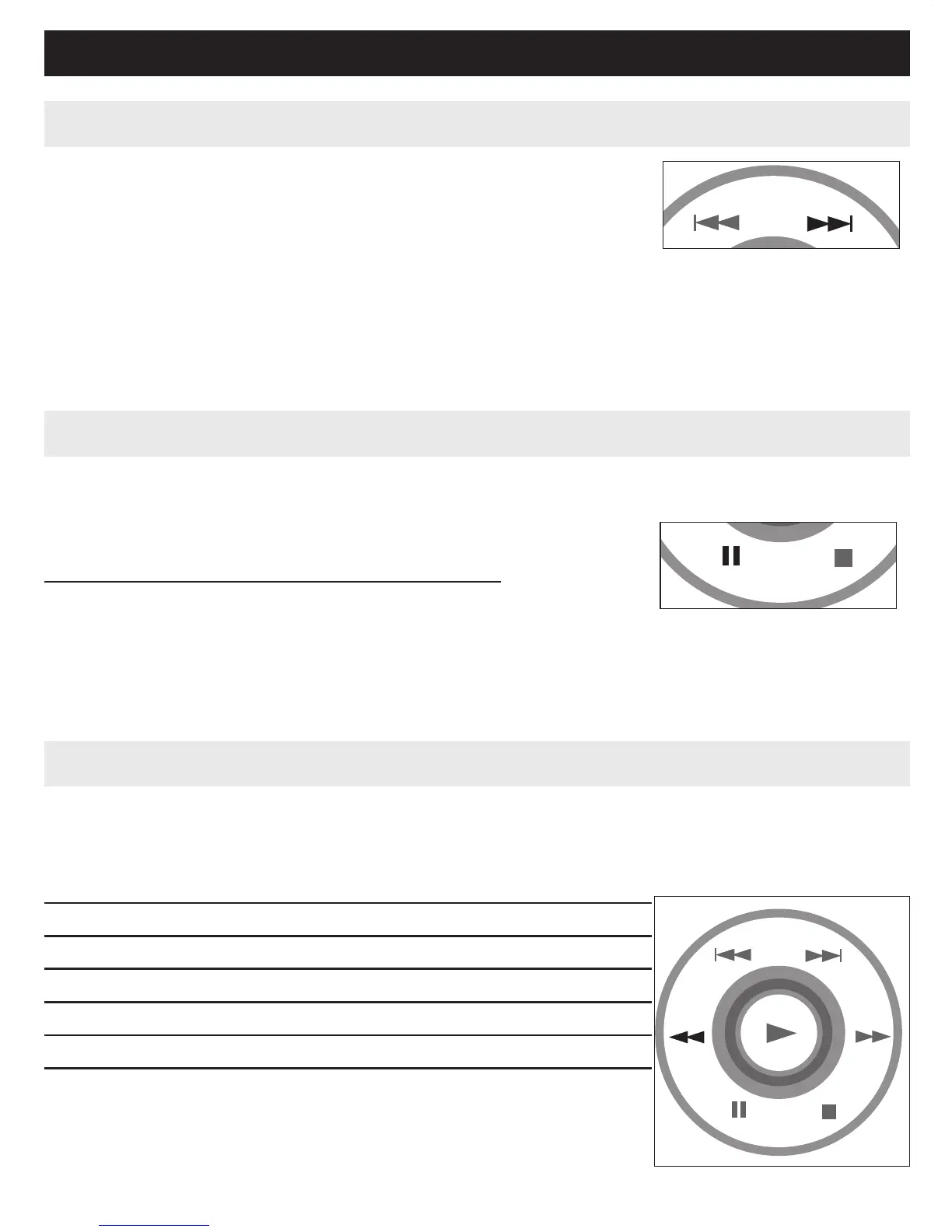
• Press § briefly during play to select the next title/
track / chapter.
• Press J( briefly during play to step back to the previous title/track/chapter.
• To go directly to any title, track or chapter, enter the corresponding
number using the numerical keys (0-9).
Still picture and step frame
Press ; once or more for the following still picture
and step frame options:
; x 1 Pause / Still picture
; x 2 screen shows ;2
After the icon ;2 is displayed, press ; repeatedly to play frame by frame.
Press OK to resume normal playback.
Search
Press 6 repeatedly for the following forward search options:
Press 5 repeatedly for the following backward search options:
56
2 X backwards 2 X forward
4 X backwards 4 X forward
8 X backwards 8 X forward
16 X backwards 16 X forward
32 X backwards 32 X forward
normal speed normal speed
Press OK or 2 to resume normal playback.



 To Next Page