17
Tip
To conserve energy, press
AV MODE to turn off the front panel display.
4 Use your player
Turn on
Slide the POWER ON/OFF switch to the ON position.
The
»
indicator turns on.
6HOHFW26'ODQJXDJH
You can choose a different language for the on-screen display text.
1
Press 6(783.
The setup menu appears.
»
2
Select >*HQHUDO6HWXS3DJH@ > >26'/DQJXDJH@.
3
Press to select an option.
4
Press /OKWRFRQÀUP
5
Press 6(783 to exit.
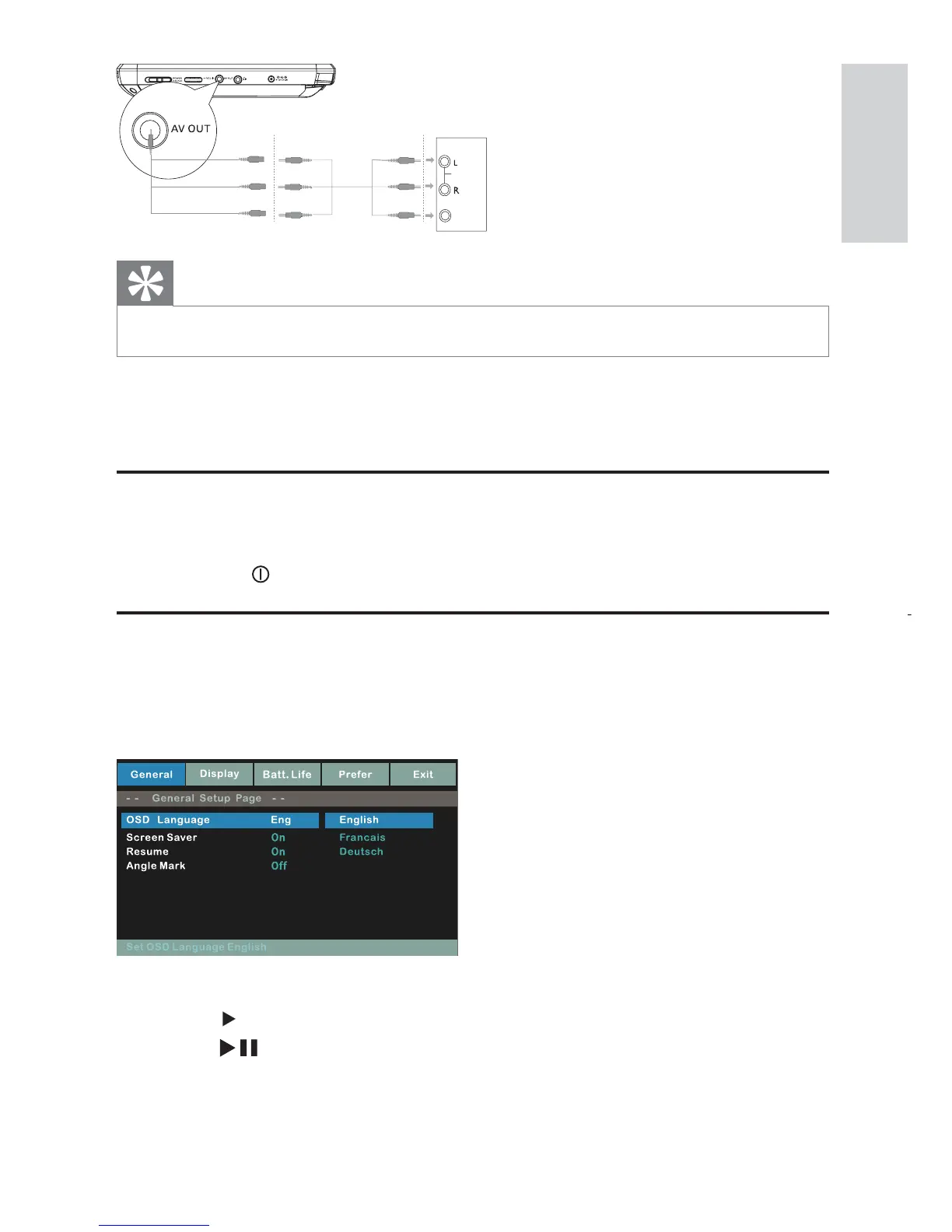
TV
AUDIO IN
VIDEO IN
English
EN



 To Next Page