20
>%DWWHU\/LIH6HWXS3DJH@
>/&'%DFNOLJKW@ Adjust the default brightness level of
screen backlight.
>3UHIHUHQFH3DJH@
>$XGLR@ Select audio language.
>'9'6XEWLWOH@ Select DVD subtitle language.
>'LY;6XEWLWOH@ Select DivX subtitle language.
>'LVF0HQX@ Select disc menu language.
>3DUHQWDO@ Select parental level.
>3DVVZRUG@ Change password (3308 by default).
>'LY;92'@ Get DivX registration code.
>'HIDXOW@ Restore original settings.
3
Press to go back to previous menu level.
4
Press 6(783 to exit.
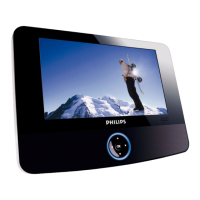
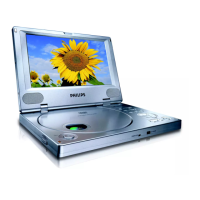
6 Product information
Note
Product information is subject to change without prior notice.
Dimensions 240 x 178 x 40 mm
Weight 1.1 kg
Power supply Input: 100-240V 50/60Hz 0.3A
Output: DC 9V 1A
Power consumption 9 W
Operating temperature range 0-45°C
Laser wavelength 650 nm
Video system NTSC & PAL
EN



 To Next Page