5
English
4
Connect
S
3
Install
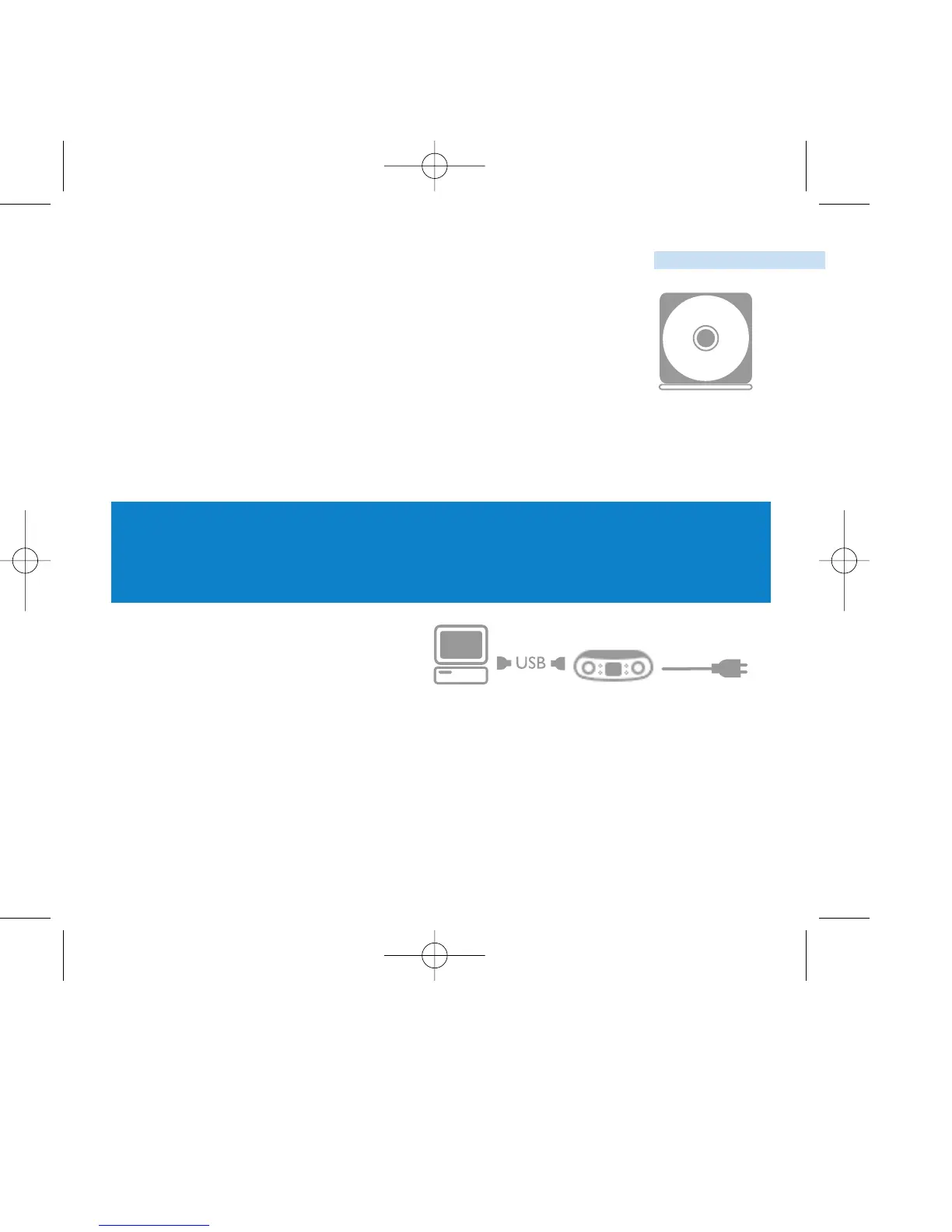
Insert the included CD into your computer’s CDROM drive.
If the CD does not autorun, please click the file pss.exe from
the root directory of the CD. Select your language and
follow screen instructions to complete installation of
Musicmatch® Jukebox and Device Manager.
ATTENTION!
WINDOWS 98SE USERS:
TO AVOID INSTALLATION PROBLEMS, DO NOT CONNECT
PSS TO THE PC UNTIL AFTER INSTALLATION COMPLETES.
Open the connections cover at the back of your PSS.
Connect the included adapter to your PSS and to the main
power supply.
Connect the smaller end of your USB cable to your PSS, the
bigger end to our computer’s USB port.
Your PSS will be recognized as a portable device on your
computer. It is now ready to download music tracks.







 To Next Page