3
EN
2 Your wireless
speaker
Congratulations on your purchase, and
support that Philips offers, register your product
at www.philips.com/welcome.
Introduction
With this speaker, you can enjoy audio from
Bluetooth-enabled devices or other audio
devices through a 3.5mm audio-in cable.
What's in the box
Check and identify the contents of your
package:
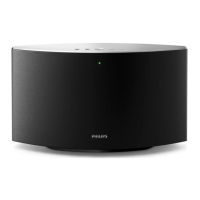
• Speaker
• USB cable
• Audio cable
• Quick start guide
• Safety sheet
• Worldwide warranty
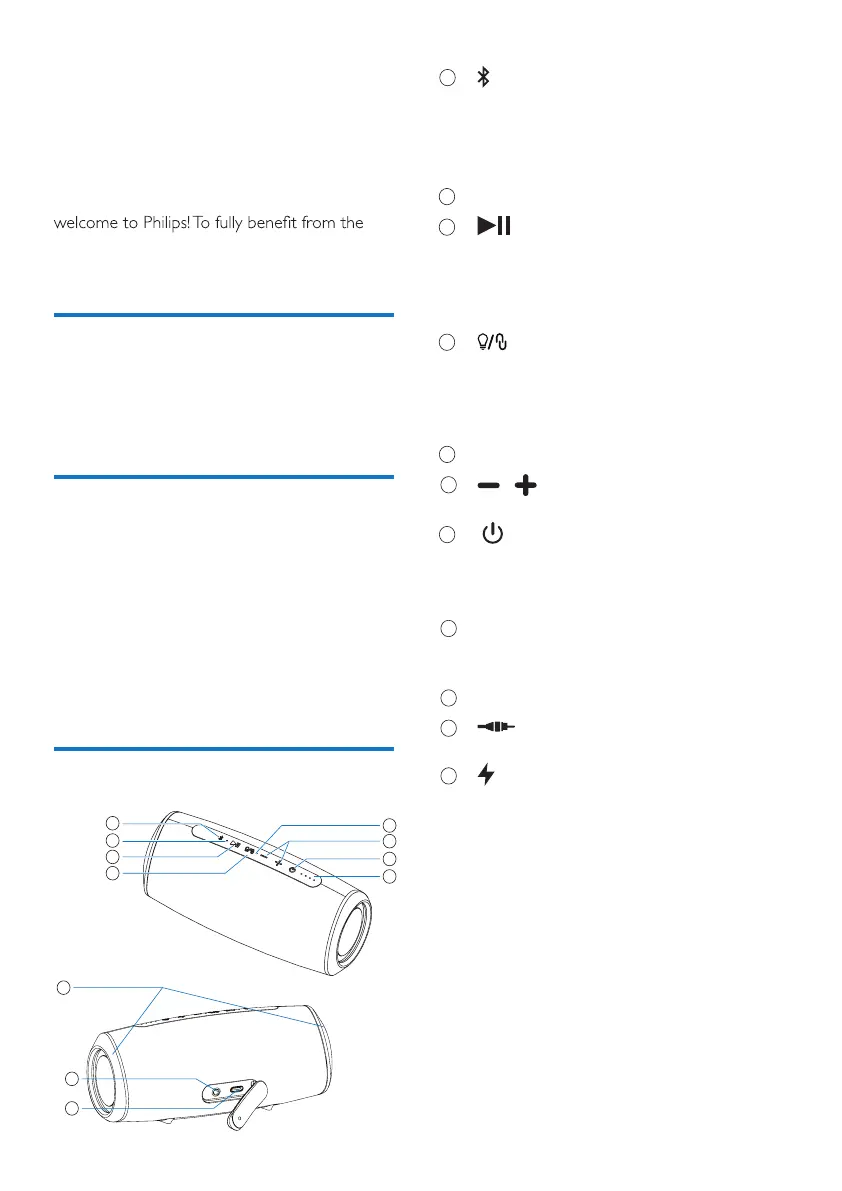
Overview of the speaker
1
2
3
4
1
2
3
4
9
10
11
9
10
11
5
6
7
8
5
6
7
8
• Enter Bluetooth pairing mode.
• Clear Bluetooth pairing information.
• Respond to an incoming call through
Bluetooth connection.
LED indicator
• In Bluetooth mode, press to pause or
resume play.
· In Bluetooth mode, press twice to
play the next track..
• Press to turn the Multi-color LED light
on or off.
· Press and hold to enter stereo
pairing mode.
Microphone
/
• Adjust volume.
• Turn the speaker on or off.
• Check the battery level.
• Show the Bluetooth status.
Battery level indicators
• Show the charging progress.
• Show the battery level.
Multi-color LED light
•
Charge the built-in battery.
•
Connect an external audio device.



 To Next Page