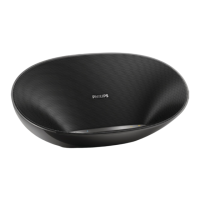
PHILIPS SBT30
When there is an incoming call:
• Press Bluetooth button( ) to pick up the call.
• Press Bluetooth button( ) again to hang up the call.
Tip
• You can speak to the MIC( ) to get the best speakerphone performance.
Play from an external device
1 Slide ( ) towards AUX to select Aux-in audio source.
» The power indicator( ) turns white.
2 Connect your speaker with an external device throught the supplied USB cable.
3 Start music play on your device.


 To Next Page