14
Getting started
3.5 Menu structure
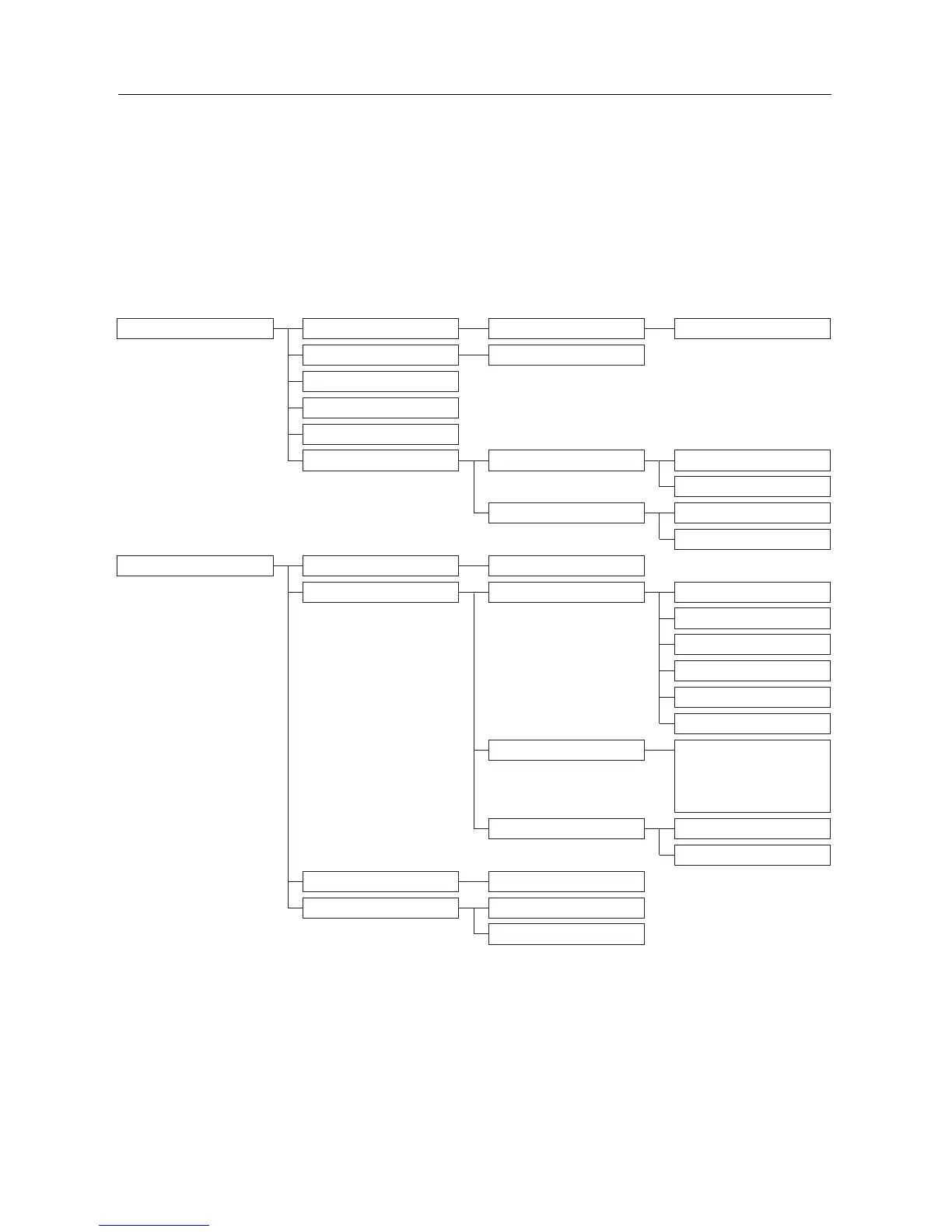
The chart below shows the menu tree of your phone.
Press the menu key m to enter each option. Press c to go to the previous level in
a menu.
Use navigation keys n to navigate within the menus.
Menus
PHONEBOOK NEW ENTRY ENTER NAME ENTER NUMBER
LIST Entry list displayed
EDIT ENTRY
DELETE
DELETE ALL
DIRECT MEM. KEY 1 EDIT
DELETE
KEY 2 EDIT
DELETE
PERSONAL SET HANDSET NAME Enter name:
HANDSET TONE RING VOLUME RINGER OFF
LEVEL 1
LEVEL 2
LEVEL 3
LEVEL 4
LEVEL 5
RING TONES MELODY 1
…
MELODY 10
KEY BEEP ON
OFF
LANGUAGE List of languages
AUTO HANG-UP ON (by default)
OFF



 To Next Page