38
Te c h n i c a l d a t a
country selected. However you can
change the language of the default
outgoing messages as follows.
1 Press m in idle mode, scroll n to
ANSW MACHINE and press
o.
2 PLAY is displayed. Scroll n to
SETTINGS and press o.
3 RING DELAY is displayed. Scroll
n to LANGUAGE and press
o.
4 The current status is displayed.
Scroll n to select the language and
press o.
• A validation tone is emitted and
the screen returns to previous
menu.
9 Technical data
Display
• Progressive LCD backlight
• The backlight remains on for 8
seconds after each activation such as
an incoming call, key presses, lifting
the handset off the base station, etc.
• The colour of the LCD backlight is
Amber.
General telephone features
• Caller name & number identification
• 5 standard + 5 polyphonic ringer
melodies
Phonebook list, Redial list and Call
log
• Phonebook list with 100 entries
• Redial list with 10 entries
• Call log with 20 entries
Battery
• 2 × HR AAA NiMh 600mAh batteries
Weight and dimensions
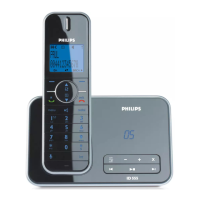
CD255
Base:
• 174 grams
• 82mm × 112.5mm × 118mm
(H × D × W)
Handset:
• 135.5 grams
• 162mm × 30.5mm × 48.5mm
(H × D × W)
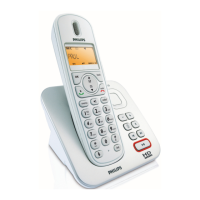
SE255
Base:
• 174 grams
• 77mm × 115mm × 116.5mm
(H × D × W)
Handset:
• 135.5 grams
• 162mm × 31.5mm × 48mm
(H × D × W)
Temperature range
• Operation: Between 0 and 35ºC
(32 to 95ºF).
• Storage: Between -20 and 70ºC
(-4 to 158ºF).
Relative humidity
• Operation: Up to 95% at 40°C
• Storage: Up to 95% at 40°C


 To Next Page