8
EN
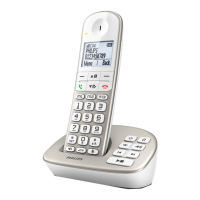
Your SE435
Display icons & symbols
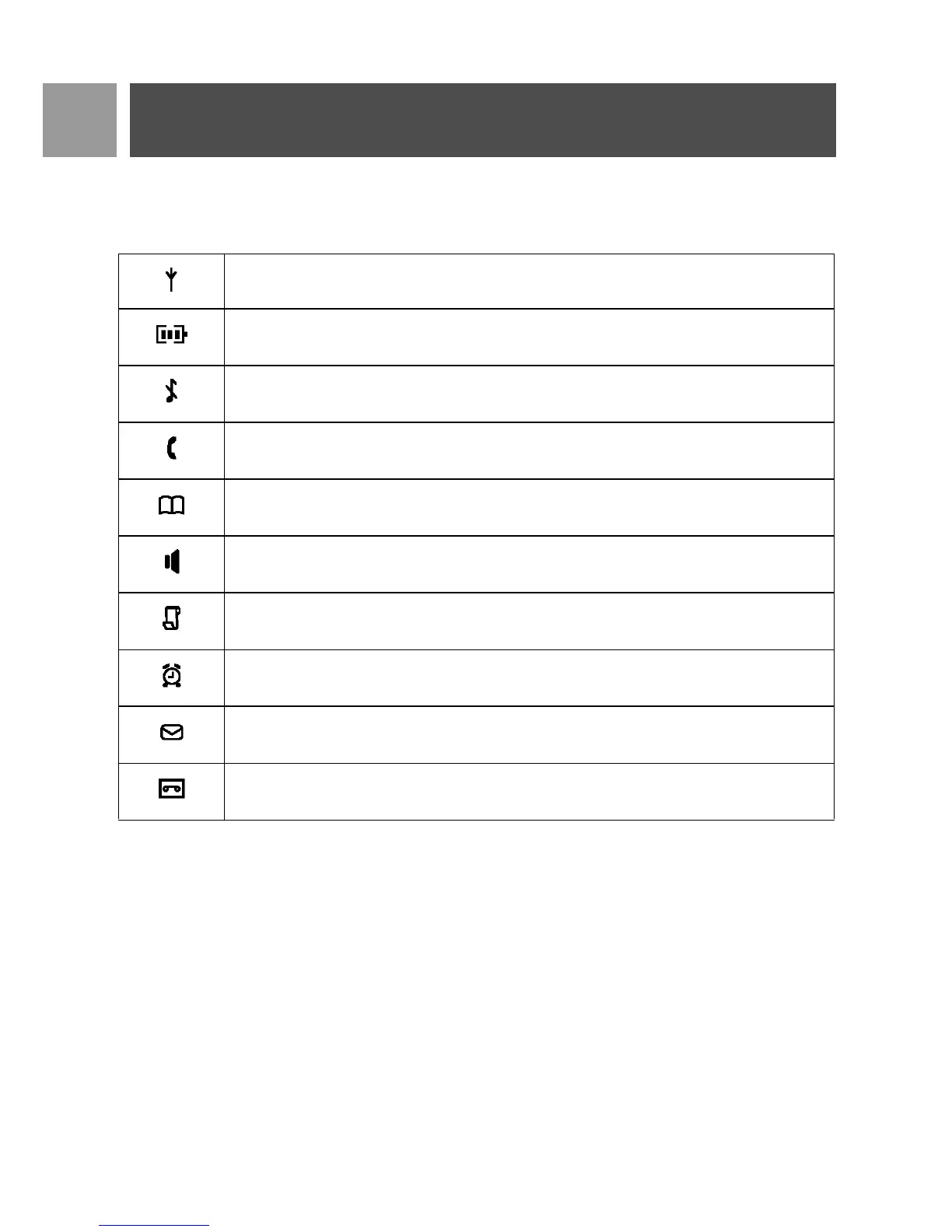
In stand-by mode, several icons & symbols may be displayed on the handset.
The handset is registered and within range of the base station. It blinks when the handset is
out of range or is searching for a base.
Battery symbol indicating 3 different battery levels.
The ringer volume is set to zero.
There is an external or internal incoming call, a call is connected or a call is held.
When browsing phonebook list.
The loudspeaker is ON.
There is a missed call or missed call records are being reviewed.
Alarm clock is activated.
Blinks when new SMS or voicemail messages are received and not read yet. Steady when
there are received SMS messages in the SMS box.
Telephone answering machine (TAM) is activated. It blinks when there are new messages
received.



 To Next Page