15
English
Repeat
• REPEAT are available only during playback.
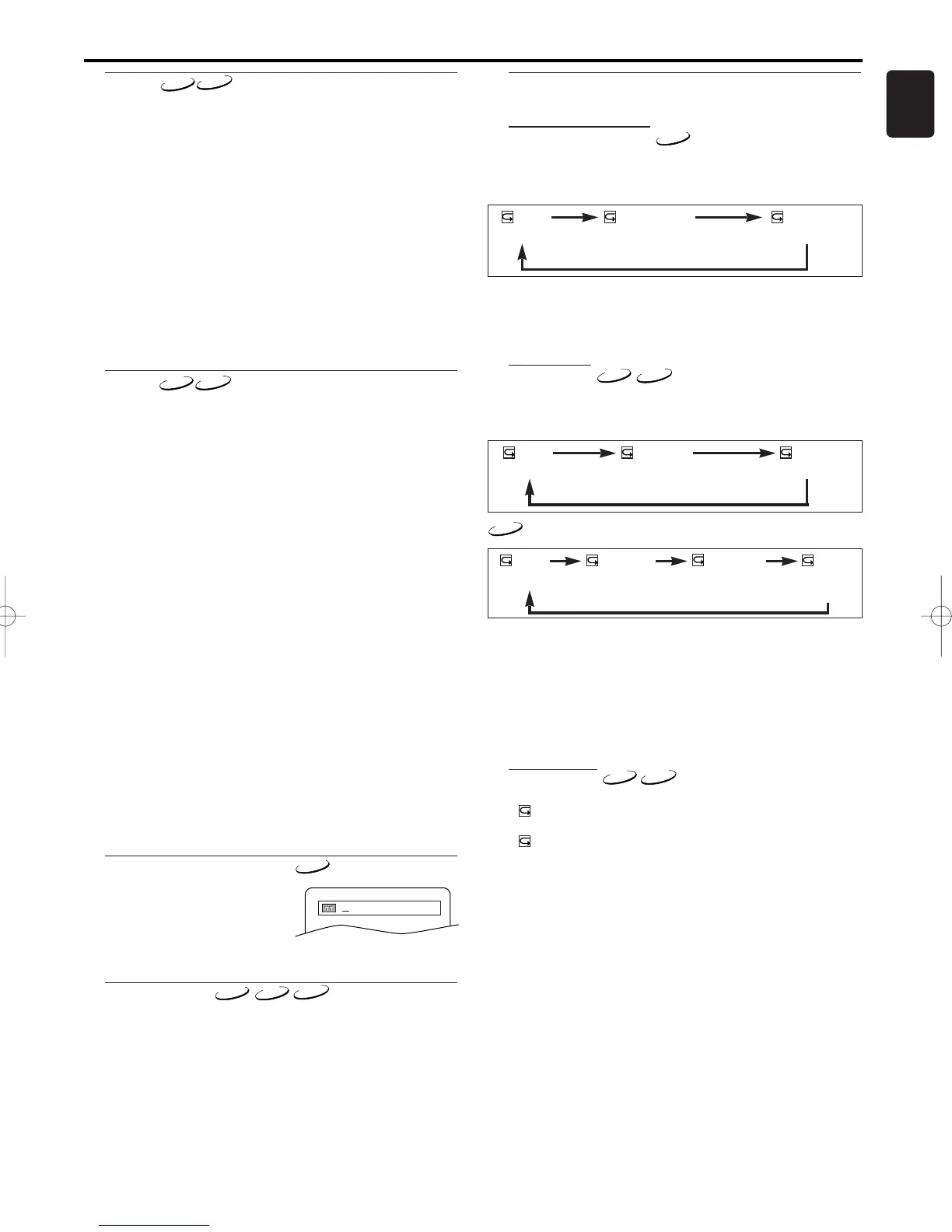
Repeat Title / Chapter
To activate the repeat function, press REPEAT during playback.
• The repeat mode changes as described below every time you
press the button.
Notes:
- Repeat Title/Chapter is not available with some scenes.
- The REPEAT setting will be cleared when moving to
other title or chapter.
Repeat Track
To activate the repeat function, press REPEAT during playback.
• The repeat mode changes as described below every time you
press the button.
Notes:
- The REPEAT setting will be cleared when moving to
other track.
- Repeat playback does not function during repeat A-B
playback.
- Repeat playback is not available when you play the
Video CD with PBC function.
Repeat at A-B
1 Press REPEAT A-B at your chosen starting point.
• A- appears briefly on the TV screen.
2
Press REPEAT A-B again at your chosen end point.
• A-B appears briefly on the TV screen, and the repeat
sequence begins.
3 To exit the sequence, press REPEAT A-B.
Notes:
- The repeat A-B section can only be set within the cur-
rent title (for DVDs), or current track (for audio CDs).
- Repeat A-B is not available with some scenes in DVD.
- To cancel the A point which was set, press CLEAR.
- Repeat A-B playback does not function during title,
chapter, track or all repeat playback.
Zoom
The Zoom function allows you to enlarge the video image and to
pan through the enlarged image.
1 Press ZOOM during playback.
• Playback will continue.
2 Press ZOOM repeatedly to select the required zoom factor:
x2, x4 or OFF.
3 Use Arrow ( L / K / B / s )to move the zoomed picture
across the screen.
4 To exit zoom mode, press ZOOM to OFF.
Notes:
- Zooming function does not work while disc menu is
shown.
- x4 zoom is not available on some discs.
- only x2 zoom is available on video CDs.
Playing a Disc
Track
There are three ways to begin playback on an Audio CD at a spe-
cific Track.
Using the Numerical key pads
1 Press numerical key pads to enter the desired Track number.
• Playback will start at the selected track.
• For single digit tracks (1-9), press a single number (eg. track 3,
press 3).
•
To play track 26, press +10, 2, 6 on the numerical button.
Using the SEARCH MODE
1 Press SEARCH MODE.
• The track search display appears.
2 Within 30 seconds, select a desired track number using
numerical key pads. For single digits press “0” first.
• Playback will start at the selected track.
Using the SKIP HG
During playback, press
SKIP
G
to move to the next track. Press it
repeatedly to skip subsequent tracks. Press
SKIP
H
to go back to
the beginning of the current track. Press it repeatedly to go to the
previous tracks
.
•
Track number will appear briefly on the DVD display panel.
• If SKIP is pressed while the playback is paused, the playback
will be paused again after skipping to the next track.
Note:
• SKIP HGare not available when playback is
stopped.
Time Search
1 During playback, press SEARCH MODE three times
(CD/VCD: twice) to display the Time Search on the TV screen.
2 Within 30 seconds, enter a desired disc time using numerical
key pads.
• Playback will start at the specified time.
3 Press CLEAR to erase the incorrect input.



 To Next Page