8
EN
Operation
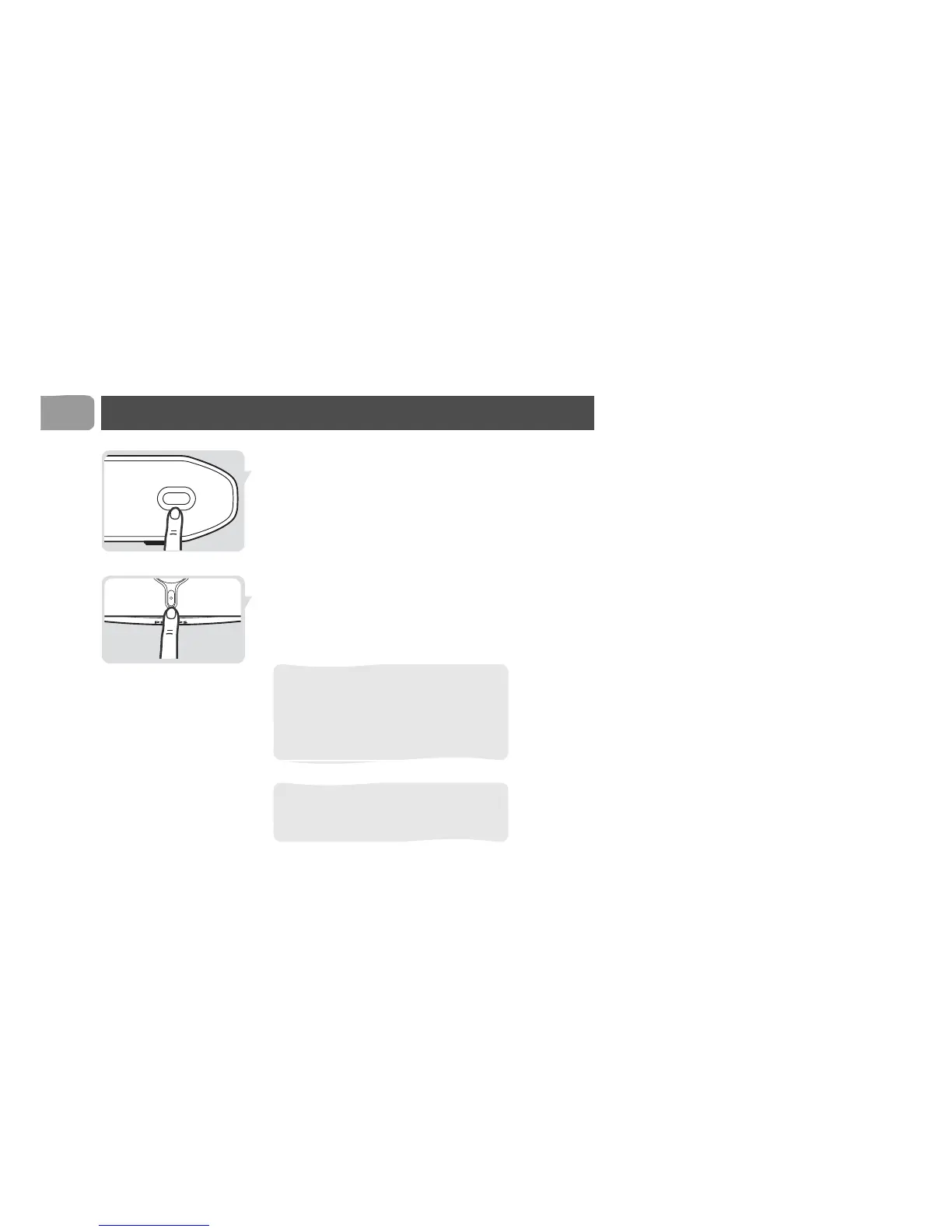
3 Press SOURCE on the transmitter to select the
VCR or DVD recorder.
4 Take the remote control of the VCR or DVD
recorder with you.
5 Go to TV2.
6 Switch on TV2.
7 Switch on the receiver
8 Select the channel on the VCR or DVD recorder
with its remote control.
Watch a video source on TV1
Operate TV1 and the video source as usual.
Turn off the auto standby mode when
you use the VCR or DVD recorder to
watch a cable tv program. Refer to the
user manual of the VCR or DVD
recorder.
If the VCR or DVD recorder records a
television program, you watch the
recorded channel.



 To Next Page