6
EN
Installation
Remove interference on TV3
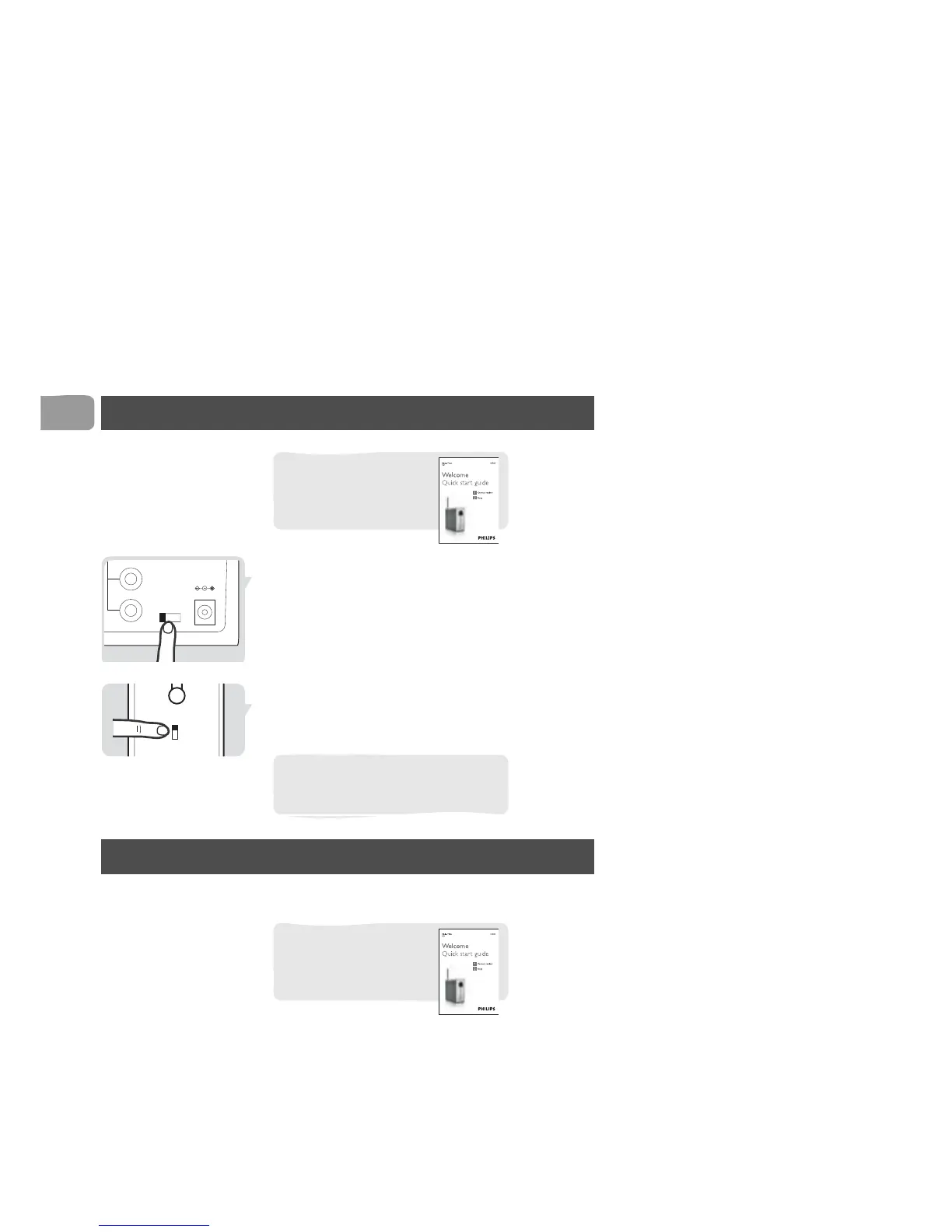
1 Find the CHANNEL switch on the transmitter.
2 Check the setting of the CHANNEL switch.
3 Find the CHANNEL switch on the receiver (A).
4 Set the CHANNEL switch to the same number as
on the transmitter.
Operation
Enjoy your Wireless TV Link
For basic installation, see
the quick start guide that
came with your Wireless
TV Link.
Make sure to set the CHANNEL
switch on both the original and the new
receiver.
For basic installation, see
the quick start guide that
came with your Wireless
TV Link.



 To Next Page