Playing TV Audio
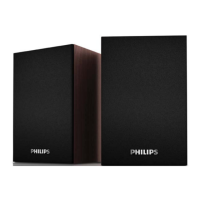
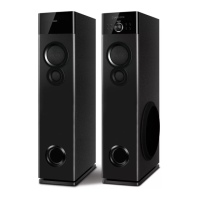
You can enjoy a theatre experience, just attach TV output to your Tower Speaker
Audio IN.
1. Select source from you source key on remote.
2. Display shown AUX.
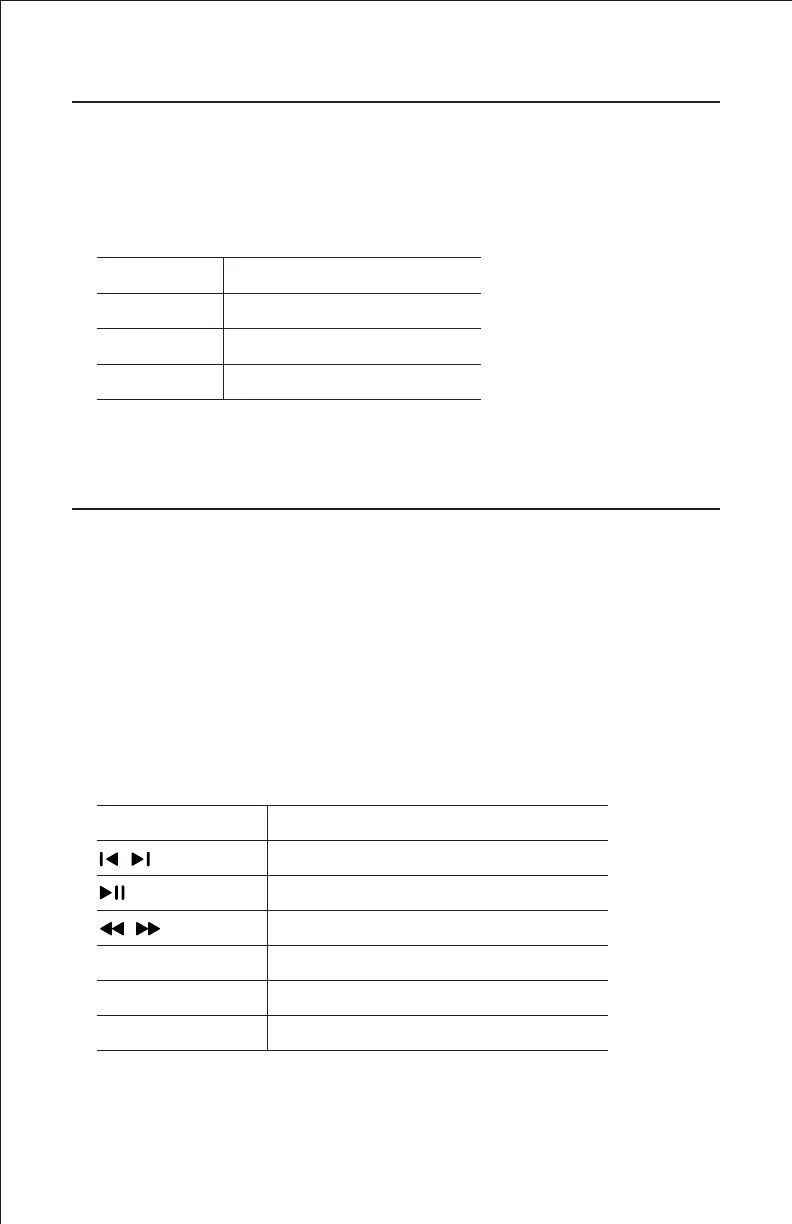
Button Action
Vol – Volume Decrease
Vol + Volume Increase
Mute To Mute / Unmute Sound
Button Action
Select previous or next track
Start, pause or resume Play
To rewind and fast forward
Numeric Buttons Select and song to play
Repeat Repeat track or the entire USB
EQ Select a predefined sound effect
7
Play from a USB Storage Device
The Speaker System is fitted with a USB connector that allow you to listen music.
1. Connect the USB storage device to the Tower Speaker.
2. It auto shifts to USB mode.
3. Display shows USB.
4. Then song number & running time will appear on display.
(eg. if you listening sixteenth song 016 00:01 will appear).
5. Use number key to select song directly or +10 key.


 To Next Page