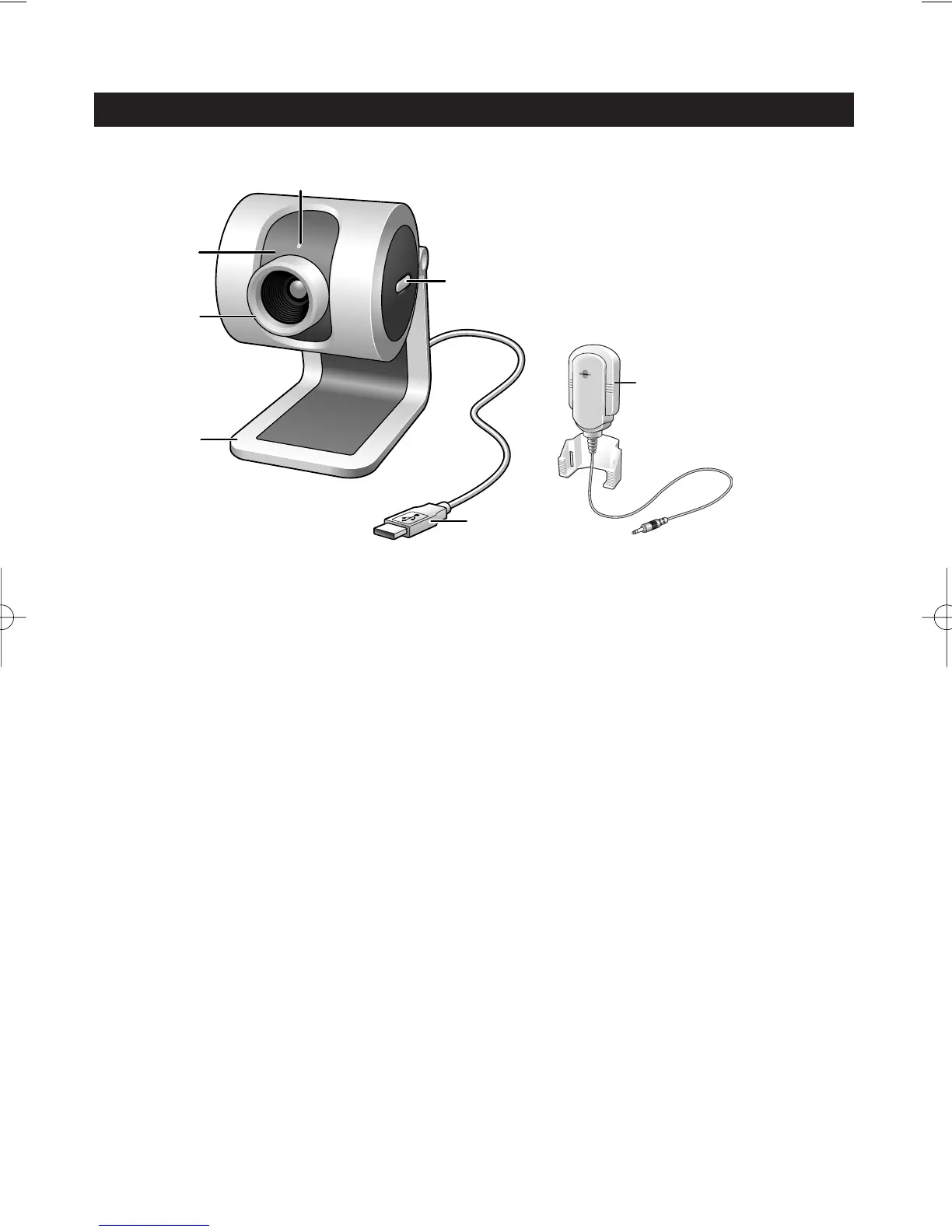
2. Functional overview
1 Rotating lens
For manually changing the vertical angle of the camera.
2Focus ring
For adjusting the focus of the image manually.
3 Desktop stand
For stable desktop placement of the SPC 200NC PC Camera.
4 USB cable
For connecting the camera to the USB port of the PC.
The camera will derive its power from the PC when a USB connection is made.
5 Snapshot button
Enables you to take photos without using your mouse.
6Power LED
Lights up blue when the camera is in use.
7 Microphone
For adding voice and sound when video chatting and video recording.













 To Next Page