3. Installation
Installing the camera software
The software supplied only works on PCs with the operating systems Microsoft
®
Windows
®
98SE, ME, 2000 and XP.
Notes!
– Unplug all your USB devices (except USB keyboard and USB mouse) before you start.
– Do not plug in your USB camera yet. Run the Installation CD-ROM first.
– Have your Windows
®
CD-ROM at hand.
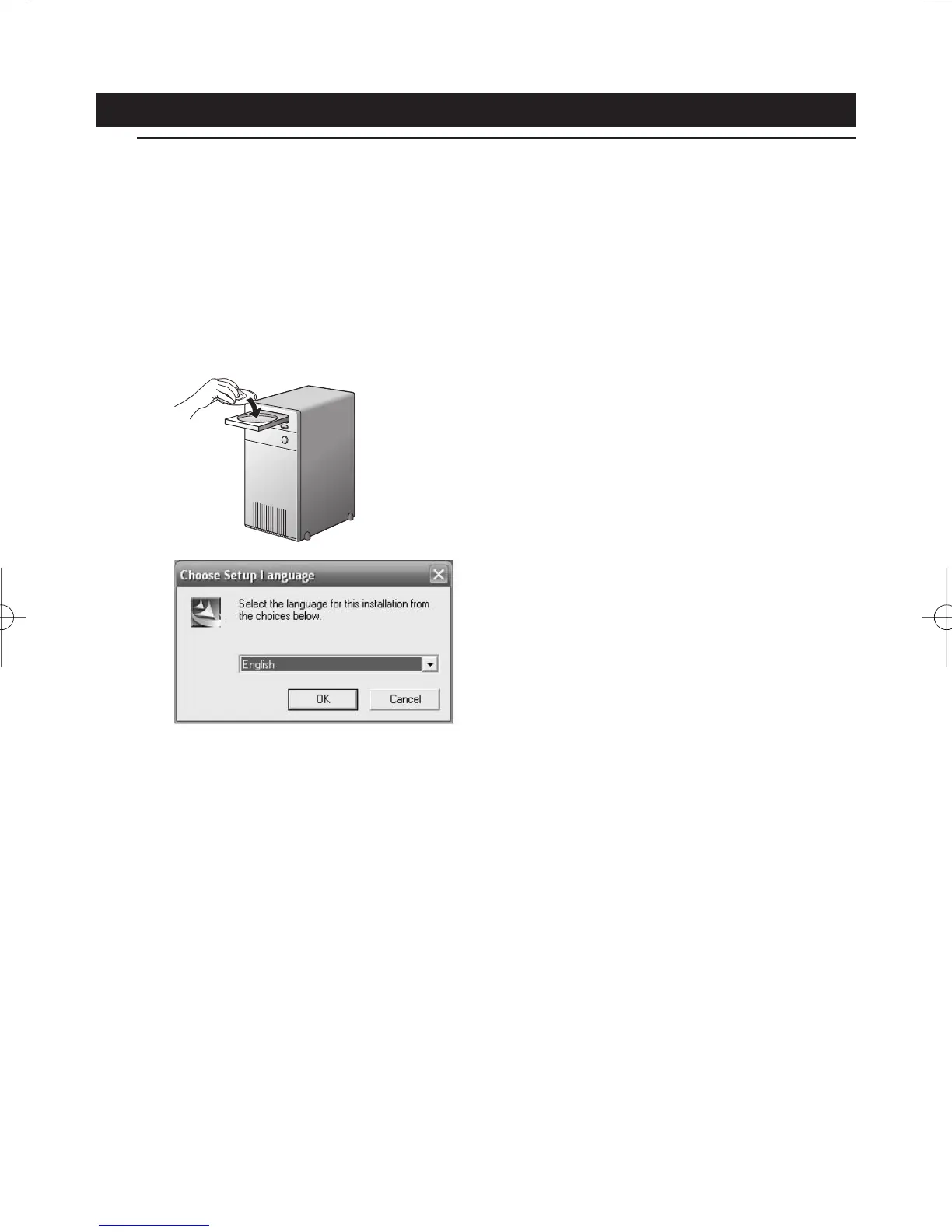
1 Place the installation CD-ROM in your computer's CD-ROM-/DVD drive.
> After a couple of seconds the the ‘Language selection’ screen appears automatically.
Note!
If the 'Language selection' screen does not appear automatically, open the Microsoft
®
Windows
®
Explorer and double click on the 'Autorun.exe' icon in the CD-ROM directory.
ENGLISH 7













 To Next Page