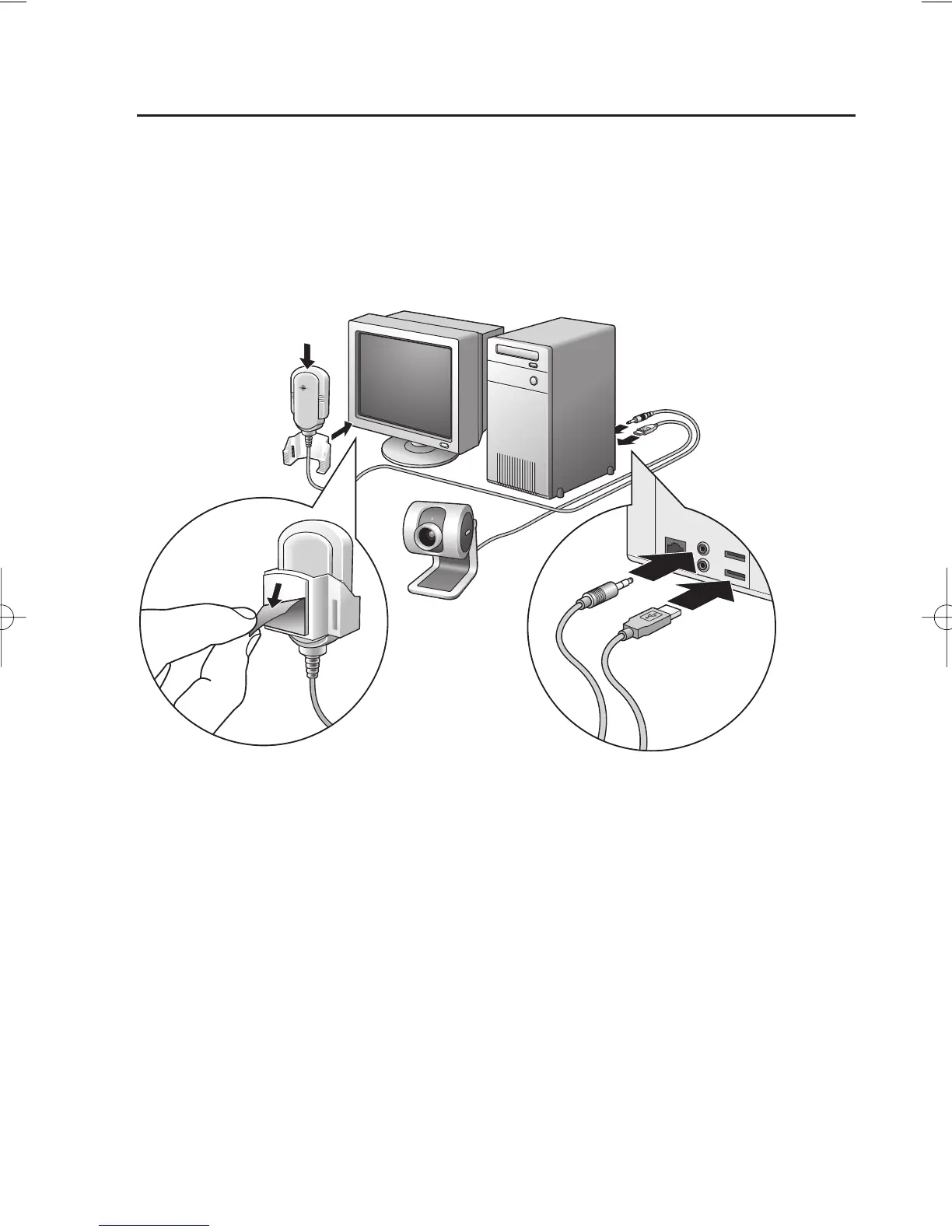
Connecting the camera to your PC
1 Be sure to run the installation CD first, before connecting the camera to the PC.
2 Turn on the PC.
3 Connect the USB plug of the USB cable to the USB port of the PC.
4 Peel off the protective foil on the rear of the microphone and attach the microphone to the
PC monitor.
5 Connect the microphone plug to the Audio in socket of the PC.
>
The camera will now derive its power from the PC.
ENGLISH 9













 To Next Page