EN
6
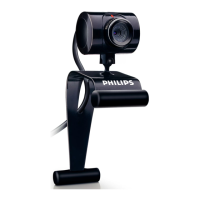
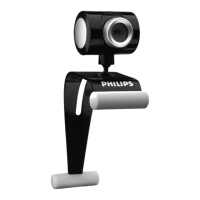
The Philips SPC220NC/SPC225NC WebCam you have just
purchased is manufactured to the highest standards and will give
you years of trouble-free use. Brilliant images and blazing colors,
that's what you get with the SPC220NC/SPC225NC WebCam.
After installation, the new WebCam can be used for all sorts of
applications, such as:
• Video: use the Philips SPC220NC/SPC225NC WebCam for
video chatting and video calling.The WebCam works with
Skype,Windows
®
Live Messenger,Yahoo! Messenger,
AOL Messenger, QQ and other free instant messaging and VoIP
(Voice over Internet Protocol) services;
• Video e-mail / Video capture: create your own video
presentations, video mail, product demonstrations, training
videos, Internet clips etc.;
• Snapshot images: use images in presentations, create postcards,
or send them via e-mail.
• Editing and special effects: after recording the images you want
with the Philips SPC220NC/SPC225NC WebCam, the images
can be easily edited using image or video editing programs.
The following sections in this manual give a step-by-step
description of the installation process and explain how to use the
Philips SPC220NC/SPC225NC WebCam.
Welcome



 To Next Page