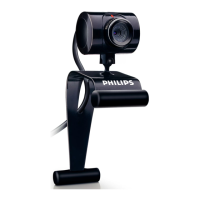
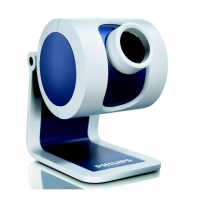
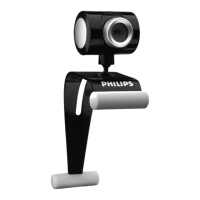
Connecting the WebCam to your PC /
laptop
General
1 Be sure to run the installation CD first, before connecting the
WebCam to the PC / laptop.
2 Turn on the PC / laptop.
3 Connect the USB connector of the USB cable to the USB port
of the PC / laptop.
>
The
WebCam
will now derive its power from the PC / laptop.
4
Aim the webcam as required.
5
Push the USB cable into the cable management slot.
6 Use the clamp and the two rubber rims to attach the WebCam
to your PC monitor or laptop screen.
SPC220NC WebCam
7 Peel off the protective foil on the rear of the microphone
(SPC220NC only)
and attach the microphone to the PC monitor
or laptop screen.
8 Connect the microphone plug to the microphone or green
socket of the sound card.
Installation
EN
10
7
3
3
5
6
6
8
5



 To Next Page