- 15 / 26-
8 Latest Driver & Utility Software download
• Go to: http://www.dictation.philips.com/
• Go to: Support Center > Software Downloads
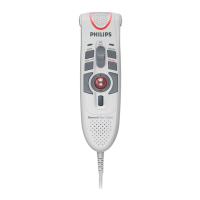
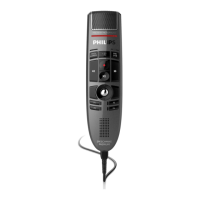
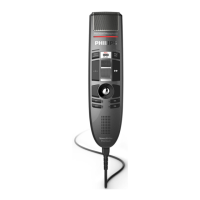
• Click the drop down list “Desktop Dictation” and select SpeechMike Classic or
SpeechMike Pro
• Click the icon
• After that a list with available software downloads will be displayed.
• Download SpeechMike Classic/Pro Driver & Utility Software V2.3/1xx
8.1 Firmware Upgrade Wizard
The new firmware upgrade wizard guides the user through the FW upgrade process with a
few steps. It is a first step to ease the work for our service partners.
We will provide 2 wizards for “standard” SpeechMikes and for Barcode SpeechMikes.
8.2 How to receive the Firmware Upgrade Wizard
• Go to the Service Partner Area logon with your username and password
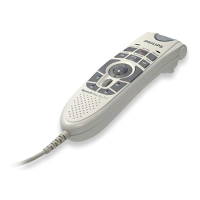
• Go to Digital product and select your SpeechMike II based on the LFH number
• On the next page select
• After that a list with available software downloads will be displayed.
• Download SpeechMike Firmware Upgrade Wizard



 To Next Page
 Loading...