Play music
D
D
Note
You can play only MP3 (MPEG Audio Layer
III) music fi les on the PhotoFrame.
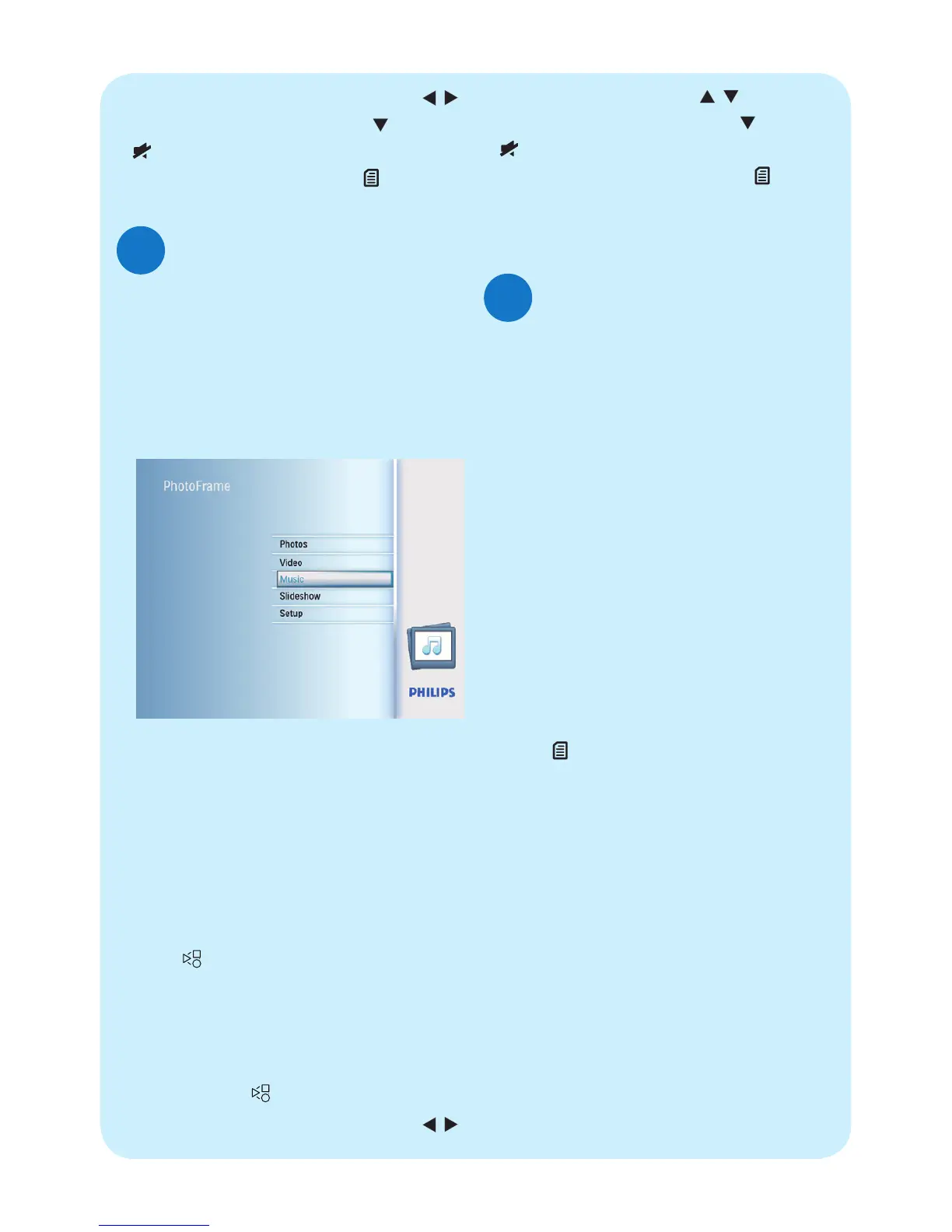
1 In the main menu, select [Music] and
then press OK to confi rm.
2 Select a source, and then press OK to
confi rm.
3 Select an album/folder, and then press
OK to confi rm.
• To select fi les in a sub-folder, repeat
step 3.
4 Select a fi le to play.
• To select all fi les, press and hold OK.
5 Press to start play.
During play,
• To pause, press OK.
• To resume, press OK again.
• To stop, press
.
• To select the next/previous fi le, press
/
.
Play background music
E
D
Note
You can only play MP3 (MPEG audio layer
III) music fi les on the PhotoFrame.
1 In the main menu, select [Music] and
then press OK to confi rm.
2 Select a source, and then press OK to
confi rm.
3 Select an album/folder, and then press
OK to confi rm.
• To select fi les in a sub-folder, repeat
step 3.
4 Select a fi le, and then press OK to
confi rm.
• To select all fi les, press and hold OK.
5 Press to access the menu list.
6 Select [Play at background], and then
press OK to confi rm.
7 Select [Yes], and then press OK to
start play.
• To select the next/previous fi le, press
/
.
• To mute play, press and hold until the
icon is displayed.
• To change repeat mode, press
repeatedly.
• To adjust volume, press
/ .
• To mute play, press and hold
until the
icon is displayed.
• To change repeat mode, press
repeatedly.



 To Next Page