EasyManua.ls Logo

Philips SPF3400/G7 - Modifying an album

Philips SPF3400/G7
66 pages
Print Icon
To Next Page IconTo Next Page
To Previous Page IconTo Previous Page
Loading...
Philips
Digital
PhotoFrame
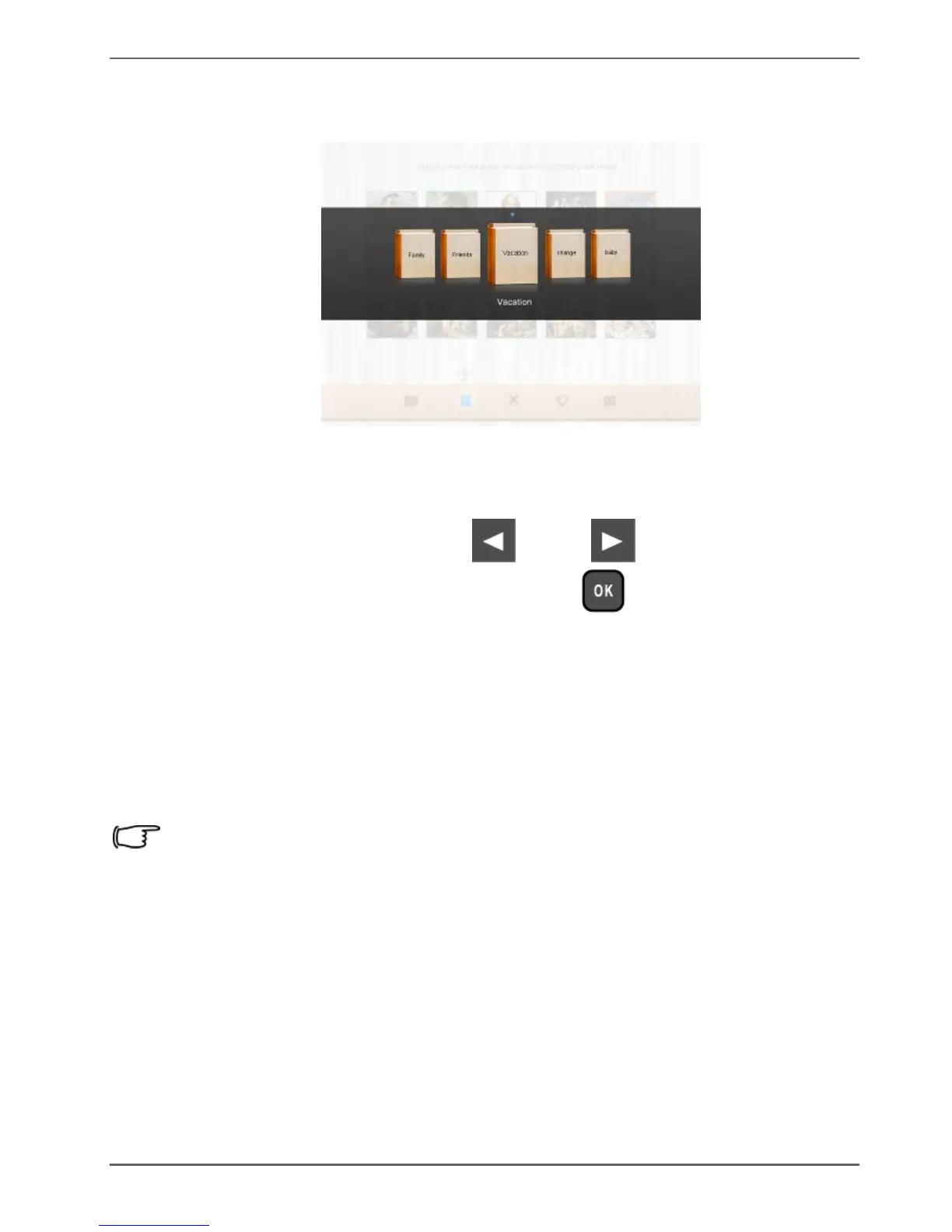
9.
Select
a
default
target
album
to
copy
and
sort
the
photos
into
this
specified
album.
Tagging
photos
to
an
album
1.
In
the
main
menu,
press
or
to
select
PHOTO ALBUMS
,
and
then
press
.
The
screen
shows:
the
file
source,
including
USB
,
Memory
Card
and
Internal
Memory
.
the
default
albums
in
the
internal
memory,
including
TIMELINE
,
Pre-installed
Library
,
Uncategorize
,
Family
,
Friends
and
Vacation
.
The
“USB”
and
“Memory
Card
file
sources
will
only
appear
when
a
USB
flash
drive
and
a
memory
card
have
been
inserted
to
the
PhotoFrame.
For
details
about
the
TIMELINE”
album,
see
"Managing
photos
by
using
the
TIMELINE
album"
on
page
31.
Managing
photos
EN
-
27

Table of Contents

Related product manuals