EasyManua.ls Logo

Philips SPF3400/G7 - Viewing photos

Philips SPF3400/G7
66 pages
Print Icon
To Next Page IconTo Next Page
To Previous Page IconTo Previous Page
Loading...
Philips
Digital
PhotoFrame
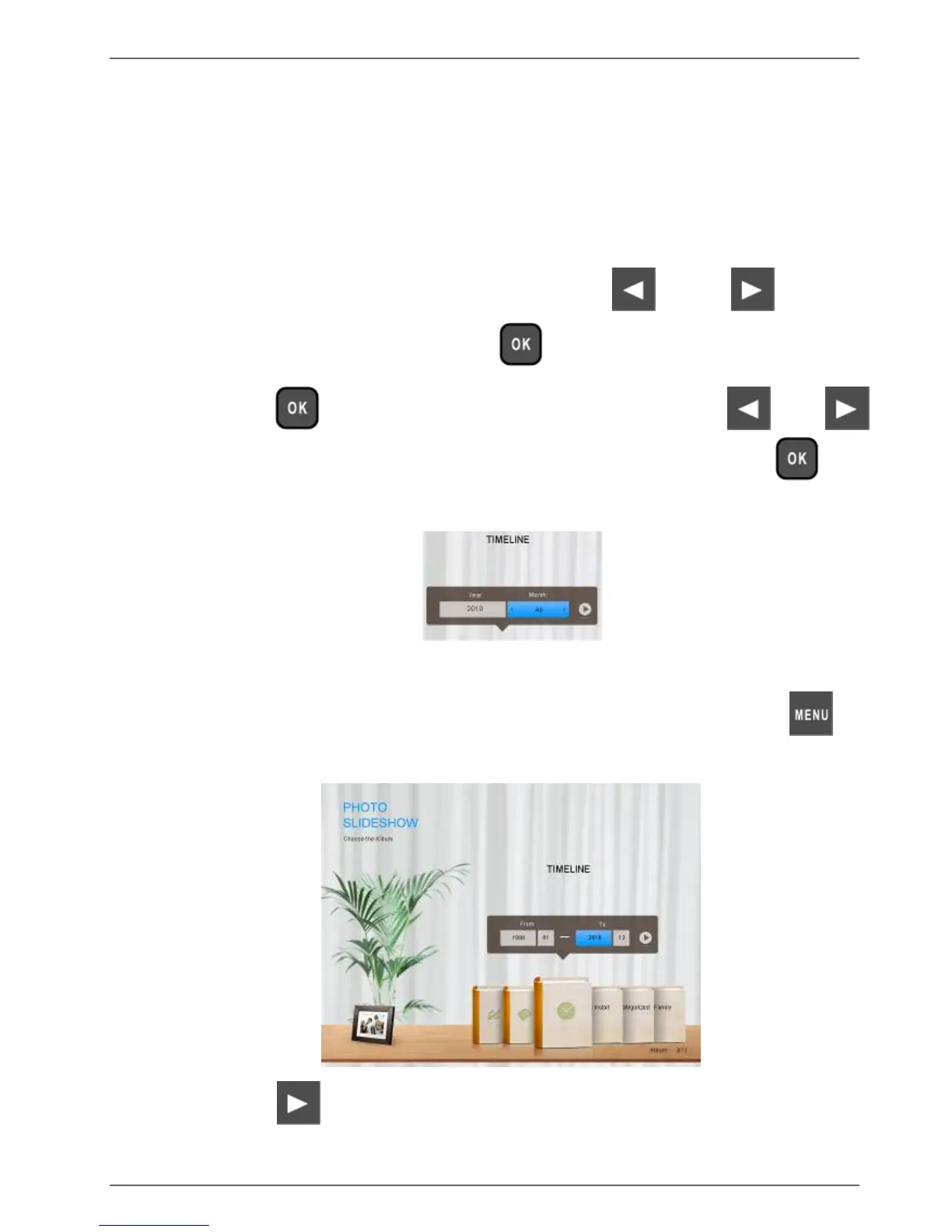
Managing photos by using the TIMELINE
album
In
P
H
OTO
AL
BUM
S
,
you
can
use
the
TI
M
ELINE
album
to
search
for
photos
in
the
internal
memory
according
to
the
time
span
specified.
1.
In
the
P
H
OTO
AL
BUM
S
menu,
press
or
to
select
TIMELINE
,
and
then
press
.
2.
Press
.
When
the
<
>
marks
appear,
press
or
to adjust
the
settings
in
the
Year
field,
and
then
press
again.
In
this
step,
you
can
also
search
for
photos
taken
in
a
specific
period
of
time
under
the
TIMELINE
album
by
pressing
and
selecting
the
time
frame.
3.
Press
to
move
to
the
Month
field,
and
repeat
Step
2
to adjust
the
settings.
Managing
photos
EN
-
31

Table of Contents

Related product manuals