Play photos/video fi les
Note
With the PhotoFrame, you can play JPEG/progressive •
JPEG photos and most video clips of a digital still
camera in M-JPEG (*.avi/*.mov), MPEG-1 (*.mpg),
MPEG-4 (*.avi/*.mov/*.mp4), H.263 (*.avi/*.mov)
format. Some video clips might have compatibility
issues when played on your PhotoFrame. Before
playing, ensure that these video clips are compatible
with your PhotoFrame.
Some video clips in a format which is not compatible
•
well with your PhotoFrame, like *.3gp/*.3g2 and some
others, may be played with no audio output. When a
video clip is played with no audio output, the icon
is
displayed on the screen.
In album/thumbnail/fi lmstrip mode, a video fi le is
•
displayed with the icon on the left top corner.
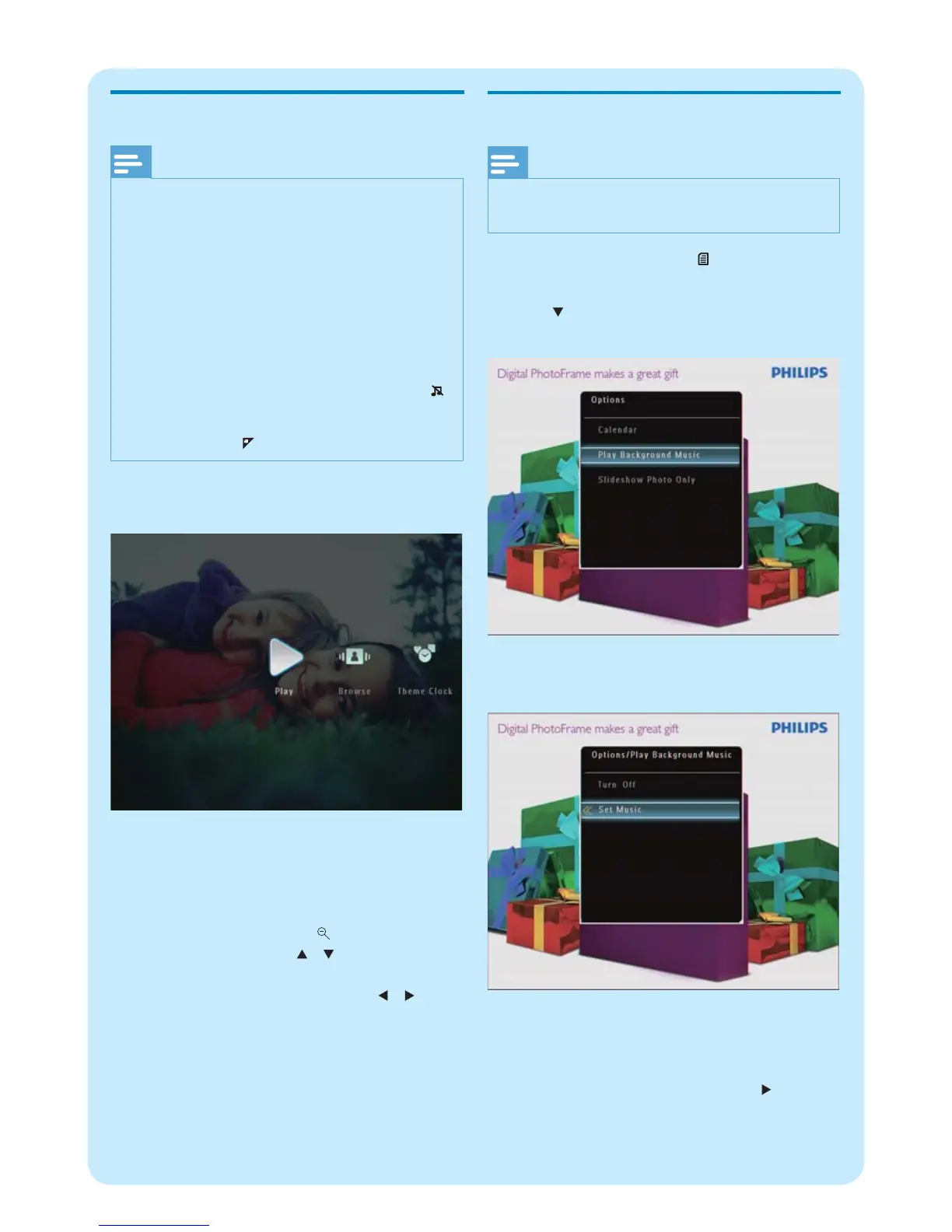
1 In the home screen, select [Play] and then tap
OK to confi rm.
Photos/video fi les are displayed in slideshow »
mode.
During play :
To view the album in which the slideshow
•
image/video is saved, tap twice.
To adjust volume, tap • /
To pause/resume play, tap • OK .
To play the previous/next fi le, tap • / .
Play background music
Note
Only MP3 (MPEG Audio Layer III) music fi les can be •
played on the PhotoFrame.
1 During photo display, tap .
An option menu is displayed. »
2 Tap repeatedly to select [Play Background
Music] , and then tap OK to confi rm.
3 Select [Set Music] , and then tap OK to
confi rm.
4 Select a folder.
5 To play all music fi les in the folder, tap OK to
confi rm.
To play a single music fi le, tap • to access
the folder, select a music fi le, and then
tap OK to confi rm.



 To Next Page