EasyManua.ls Logo

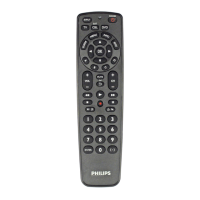
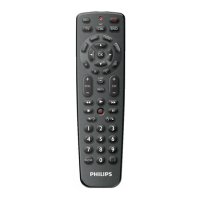
Philips SRP2008B/86 - Operation and Battery Troubleshooting

Philips SRP2008B/86
28 pages
Print Icon
To Next Page IconTo Next Page
To Previous Page IconTo Previous Page
Loading...
Operation
The
remote
control
does
not
wake
up
anymore.
Battery
level
too
low
or
battery
lifetime
came
to
an
end.
•
Replace
the
batteries,
See
chapter
2,1,
The
device
I
want
to
operate
does
not
respond
at
ail
/
does
not
respond
to
ali
of
the
key
commands.
•
Check
if
the
keys
you
press
are
available
on
the
original
remote
control
of
the
device.
•
Try
improving
keys.
See
chapter
2.3.2,
Wrong
code
selected
during
setup.
•
Set
up
the
remote
control
again
for
the
device.
Always
test
if
the
device
responds,
before
leaving
setup
mode.
See
chapter
2.2.
It
may
be
that
the
keys
that
you
are
tryng
to
use
have
a
different
naming
on
the
onginal
remote
control.
•
Try
out
all
keys
to
find
the
one(s)
you
need.
TheTeletexc
keys
do
not
work.
•
Find
out
whether
yourTV
is
equipped
with
Teletext.
•
Try
improving
theTeletext
keys.
See
chapter
2.3.2,
•
Check
whether
you
am
using
tl^e
correct
keys
to
switch
on
Teletext
ForTV
this
is
the
key:
for
STB
this
is
the
key.
Batteries
Will
my
settings
be
deleted
when
I
replace
the
batteries?
No,
All
user
settings
will
be
retained
in
the
remote
control
memory
during
battery
replacement
EN
11
P2008_86_Manual.indd
11
22-06-09
13;2
Service
and
support