EasyManua.ls Logo

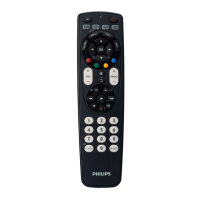
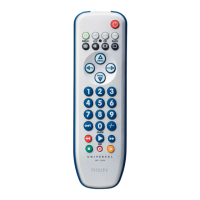
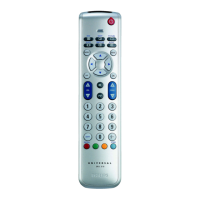
Philips SRP2008B/86 - Getting Started with Your Remote; Inserting Batteries

Philips SRP2008B/86
28 pages
Print Icon
To Next Page IconTo Next Page
To Previous Page IconTo Previous Page
Loading...
Table
of
contents
1
YourSRP2008B.
3
Q
2
Getting
started.3-8
2.1
inserting
the
batteries.3
2.2
Testing
the
universal
remote
control.4
2.3
Setting
up
the
universal
remote
conirol.4-8
3
Using
the
universal
remote
control.8-10
3.1
Keys
and
functions..8-10
4
Service
and
support.10-12
4.1
Frequently
asked
questions.10-11
4.2
Need
help?.12
Helpline.95
Brandlist.96-109
Information
to
the
consumer.110
1
Your
SRP2008B
Congratulations
on
your
purchase
of
the
Philips
SRP2008B
universal
remote
control.
After
setting
up
the
remote
control
you
can
operate
up
to
8
different
devices
with
it.
To
fully
benefit
from
the
support
that
Philips
offers,
register
your
product
at
www,philips,com/welcome.
2
Getting
started
2.1
Inserting
the
batteries
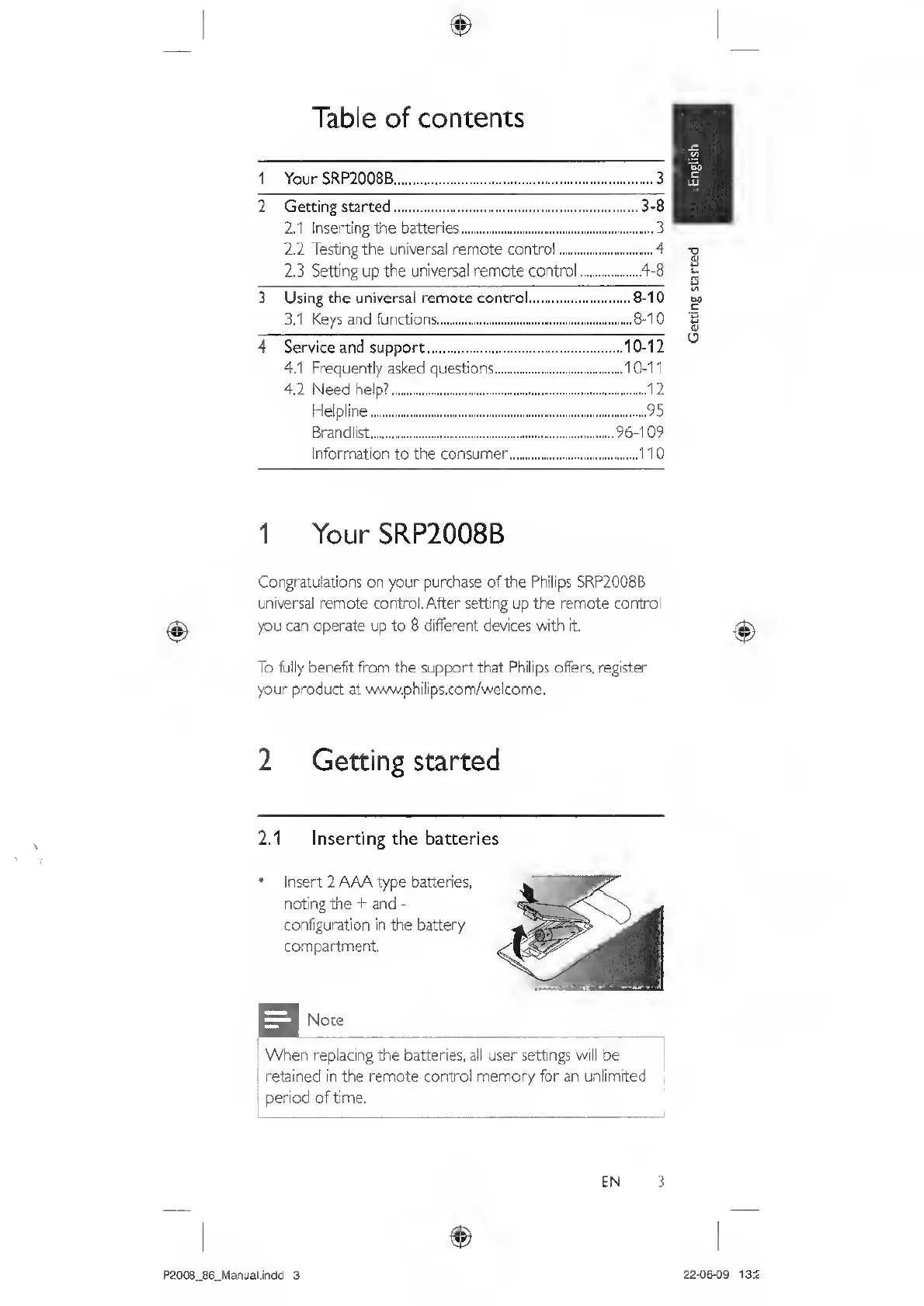
Insert
2
AAA
type
batteries,
noting
the
-i-
and
-
configuration
in
the
battery
compartment.
Note
When
replacing
the
batteries,
all
user
settings
will
be
retained
in
the
remote
control
memory
for
an
unlimited
period
of
time.
EN
3
P2008_86_Manual.indd
3
22-06-09
13:2
Getting
started

Related product manuals