EasyManua.ls Logo

Philips SRP2008B/86 - Testing Remote Control Functionality; Setting Up the Universal Remote Control

Philips SRP2008B/86
28 pages
Print Icon
To Next Page IconTo Next Page
To Previous Page IconTo Previous Page
Loading...
2.2
Testing
the
universal
remote
control
It
is
advised
to
test
whether
your
devlce(s)
already
respond(s)
to
the
SRP2008B
before
setting
it
up
(see
chapter
2.3).The
example
below
instructs
you
how
to
do
this
for
your
TV.
You
can
repeat
the
same
steps
for
other
devices
which
you
want
to
operate
using
the
SRP2008B.
Example:
testing
the
universal
remote
control
on
your
TV:
1
Turn
ON
yourTV
manually
or
use
the
original
remote
control
for
th\%.
Tune
to
channel
1.
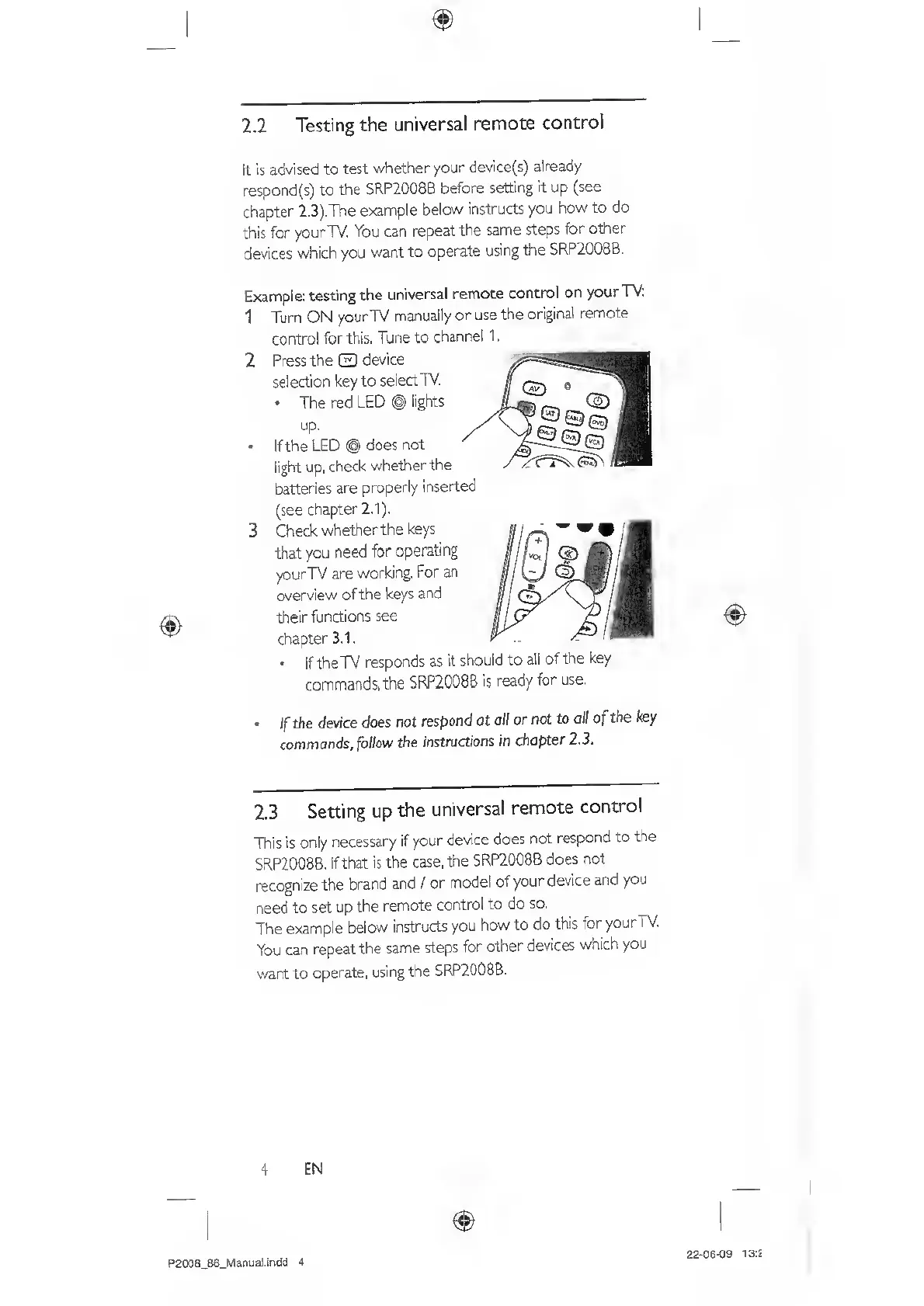
2
Press
the
C3
device
selection
key
to
select
TV,
The
red
LED
@
lights
up,
If
the
LED
@
does
not
light
up,
check
whether
the
batteries
are
properly
insert
(see
chapter
2.1).
3
Check
whether
the
keys
that
you
need
for
operating
yourTV
are
working.
For
an
cverview
of
the
keys
and
their
functions
see
chapter
3.1.
If
the
TV
responds
as
it
should
to
all
of
the
key
commands,
the
SRP2008B
is
ready
for
use.
If
the
device
does
not
respond
at
all
or
not
to
all
of
the
key
commands,
fbWow
the
instructions
in
chapter
2.3.
2.3
Setting
up
the
universal
remote
control
This
is
only
necessary
if
your
device
does
not
respond
to
the
SRP2008B.
If
that
is
the
case,
the
SRP2008B
does
not
recognize
the
brand
and
/
or
model
of
your
device
and
you
need
to
set
up
the
remote
control
to
do
so,
The
example
below
instructs
you
how
to
do
this
for
your
TV.
You
can
repeat
the
same
steps
for
other
devices
which
you
want
to
operate,
using
the
5RP2008B.
4
£
N
P2008_86_Manual.indd
4
22-06-09
13:2

Related product manuals