EasyManua.ls Logo

Philips SRP2008B/86 - Page 5

Philips SRP2008B/86
28 pages
Print Icon
To Next Page IconTo Next Page
To Previous Page IconTo Previous Page
Loading...
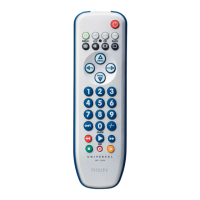
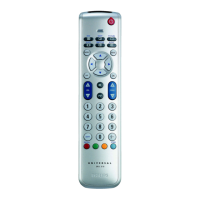
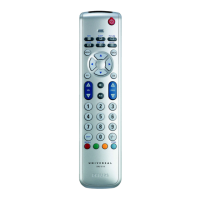
The
remote
control
can
be
set
up
to
operate
any
8
of
the
following
devices:
X
i/>
Device
name
Description
LU
TV
TraditionalTV,
flat
screen
TV
and
projection
TV,TV
part
ofTV
/VCR,TV
/
VCR
/
DVD
andTV
/
DVD
combos
SAT
Satellite
receiver
Digital
Satellite
System
d
V)
(OSS'),
Direct
Broadcast
Satellite
fDBS'l
c
Cable
Cable
box,
Internet
Protocol
TV
{IPTV),
faj
V
High
Definition
Television
decoder
(HDTV)
iD
DVD
DVD
player
Blu-Ray
player
High
Definition
DVD
player
(HD-DVD),
DVD
part
ofTV
/
DVD,TV
/
VCR
/
DVD
and
VCR
/
DVD
combos
TV-2
TraditionalTV,flat
screen
TV
and
projection
TV,TV
part
ofTV
/
VCR,TV
/
VCR
/
DVD
andTV
/
DVD
combos
DV8-T
Digital
Video
Broadcasting
Terrestrial
device.
Free
To
AirTV
DVR
DVD
recorder
(DVDR).
DVD
/
Hard
Disk
Drive
combination
(DVDR-HDD),
VCR
Video
cassette
player
/
recorder,VCR
part
of
TV
/
VCR.TV
/
VCR
/
DVD
and
VCR/DVD
combos
5
sec.
Example:
setting
up
the
universal
remote
control
to
operate
yourTV:
1
Turn
ON
the
TV
manually
or
use
the
original
remote
control
forthis.
Tune
to
channel
1.
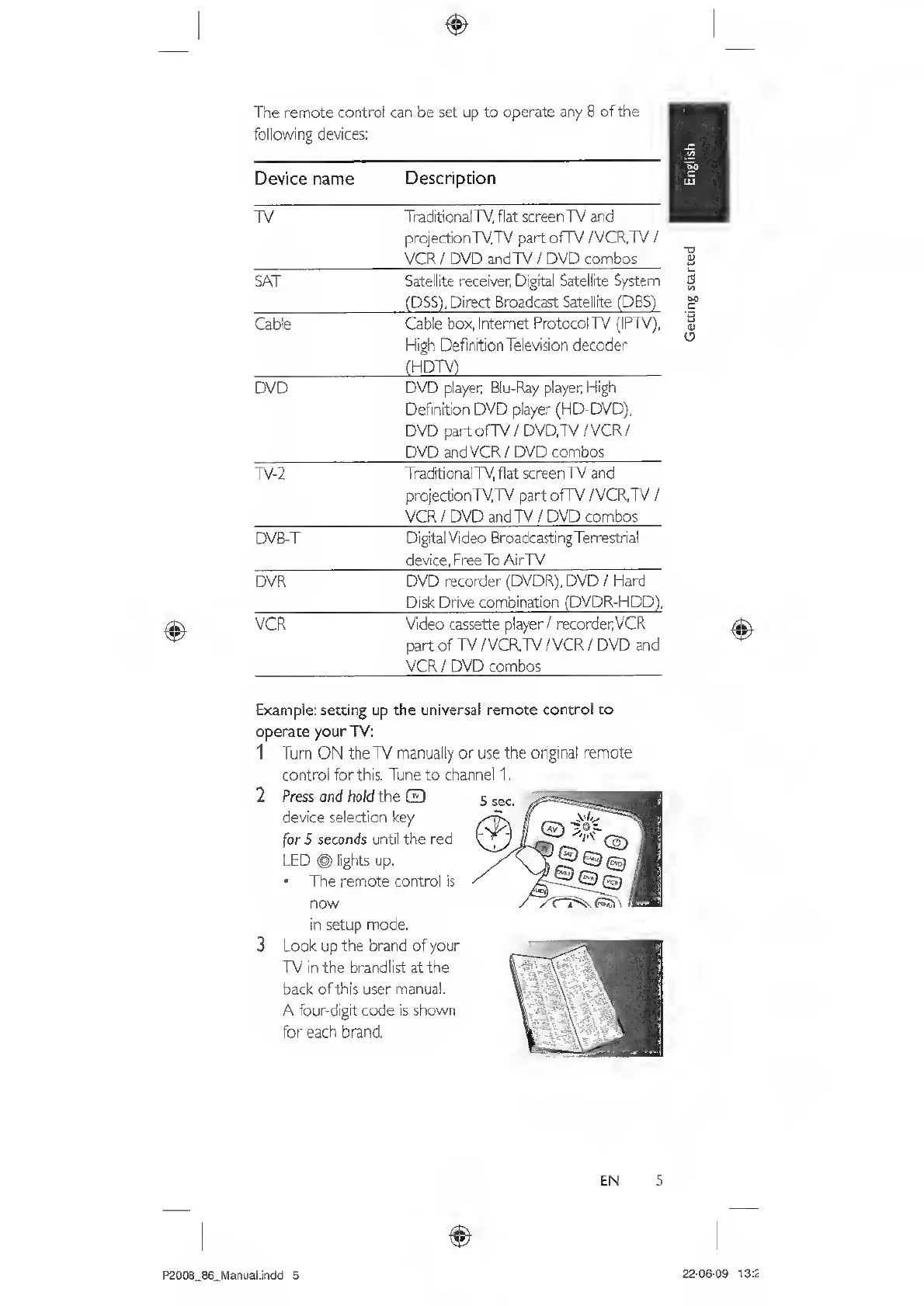
2
Press
oncf
hold
the
Q
device
selection
key
for
5
seconds
until
the
red
LED
®
lights
up.
The
remote
control
is
now
in
setup
mode.
3
Look
up
the
brand
of
your
TV
in
the
brandlist
at
the
back
ofthis
user
manual.
A
four-digit
code
is
shown
for
each
brand.
EN
5
P200S_86_Mariual.indd
5
22-06-09
13:2

Related product manuals