7
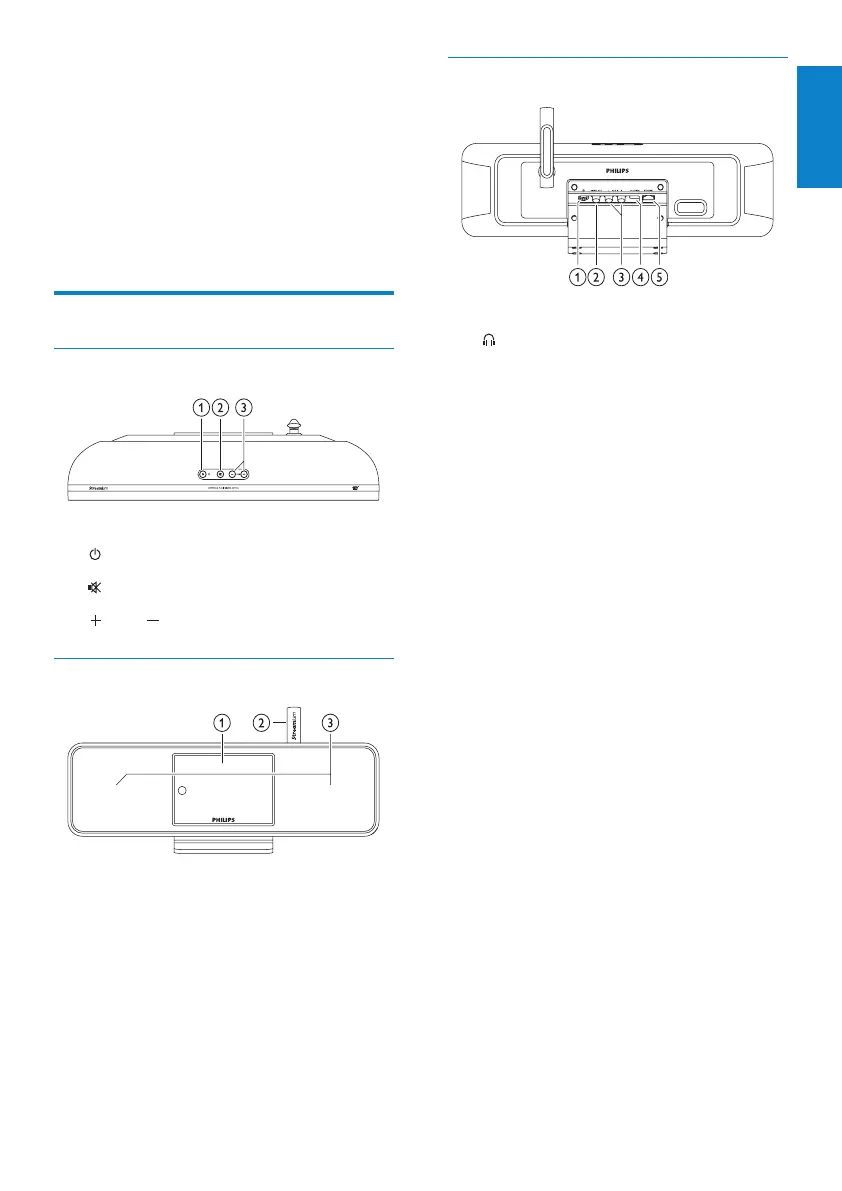
Rear view
a headphone jack
b DIGITAL OUT (black) jack
c AUX IN L / R (red/white) jacks
d POWER SUPPLY jack
e ETHERNET jack
3 Your NP2900
Congratulations on your purchase and welcome
to Philips!
To fully benet from the support that Philips
offers, register your product at www.philips.
com/welcome.
Overview
Top view
a (On / Standby / Eco standby)
b
(mute the sound)
c
VOL (adjust the volume)
Front view
a Display
b Wi-Fi antenna
c Loudspeakers
English
EN











 To Next Page