This symbol indicates that the shaver can be used
in the bath or shower.
- Use this shaver for its intended household use
as described in this manual.
- For hygienic reasons, the shaver should only be
used by one person.
- Trimming is easier when the skin and hair are
dry.
Note: This shaver can only be used without a cord.
Switching the shaver on and off
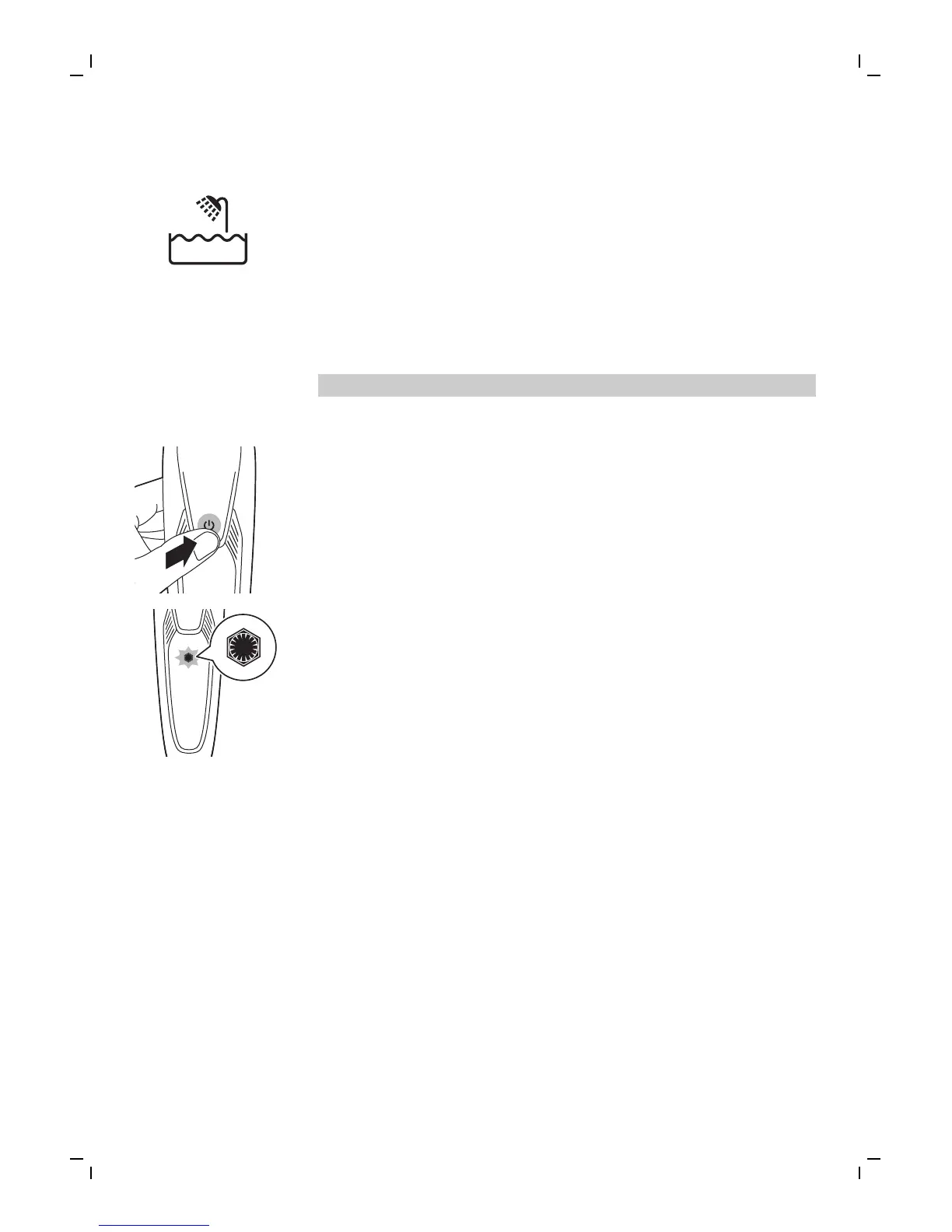
1 To switch on the shaver, press the on/off
button once.
The battery charge indicator lights up for a few
seconds and the notification symbol flashes.
2 To switch off the shaver, press the on/off
button once.
The battery charge indicator lights up for a few
seconds and shows the remaining battery
charge.
Shaving
Skin adaptation period
Your first shaves may not bring you the result you
expect and your skin may even become slightly
irritated. This is normal. Your skin and beard need
time to adapt to any new shaving system. To allow
your skin to adapt to this new appliance, we advise
you to shave regularly (at least 3 times a week) and
exclusively with this appliance for a period of 3
weeks.
13
English















 To Next Page