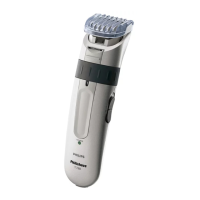
◗ If you are trimming for the first time,be careful.
Do not move the Trimmer too fast.
Make smooth and gentle movements.
Trimming with ACU•CONTROL
Guide Comb Attachment
◗ Guide Comb Attachment must be on Trimmer
in order to use Zoom Ring.
C
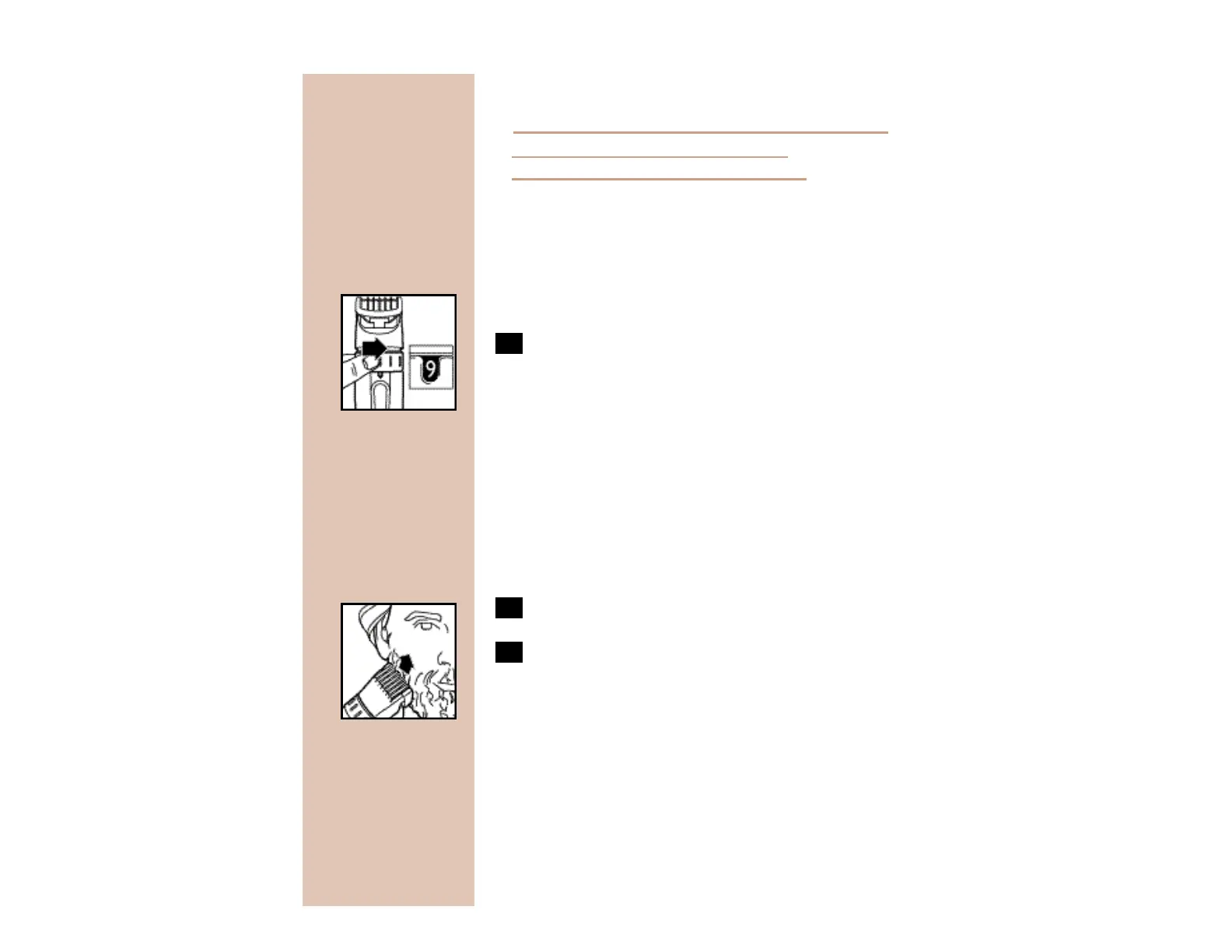
1 Turn the Zoom Ring to the desired
trimming length setting (see table). The
setting will appear in the window below
the Zoom Ring.
◗ If you are trimming for the first time,s t a rt by
using the maximum trimming length setting #9
to prevent accidentally trimming hairs too short .
As you become familiar with the settings,a d j u s t
Zoom Ring to desired trimming length. Z o o m
Ring will “click” into position at each setting.
2 Switch the Trimmer ON.
C
3 To trim in the most effective way,move
the Trimmer against the direction of hair
growth. Make sure the surface of the
Guide Comb always stays in contact with
the skin.
NOTE: Since all hairs do not grow in the same
direction,you may want to try different trimming
positions (i.e.,upwards,downwards, or across).
Practice is best for optimum results.


 To Next Page