C
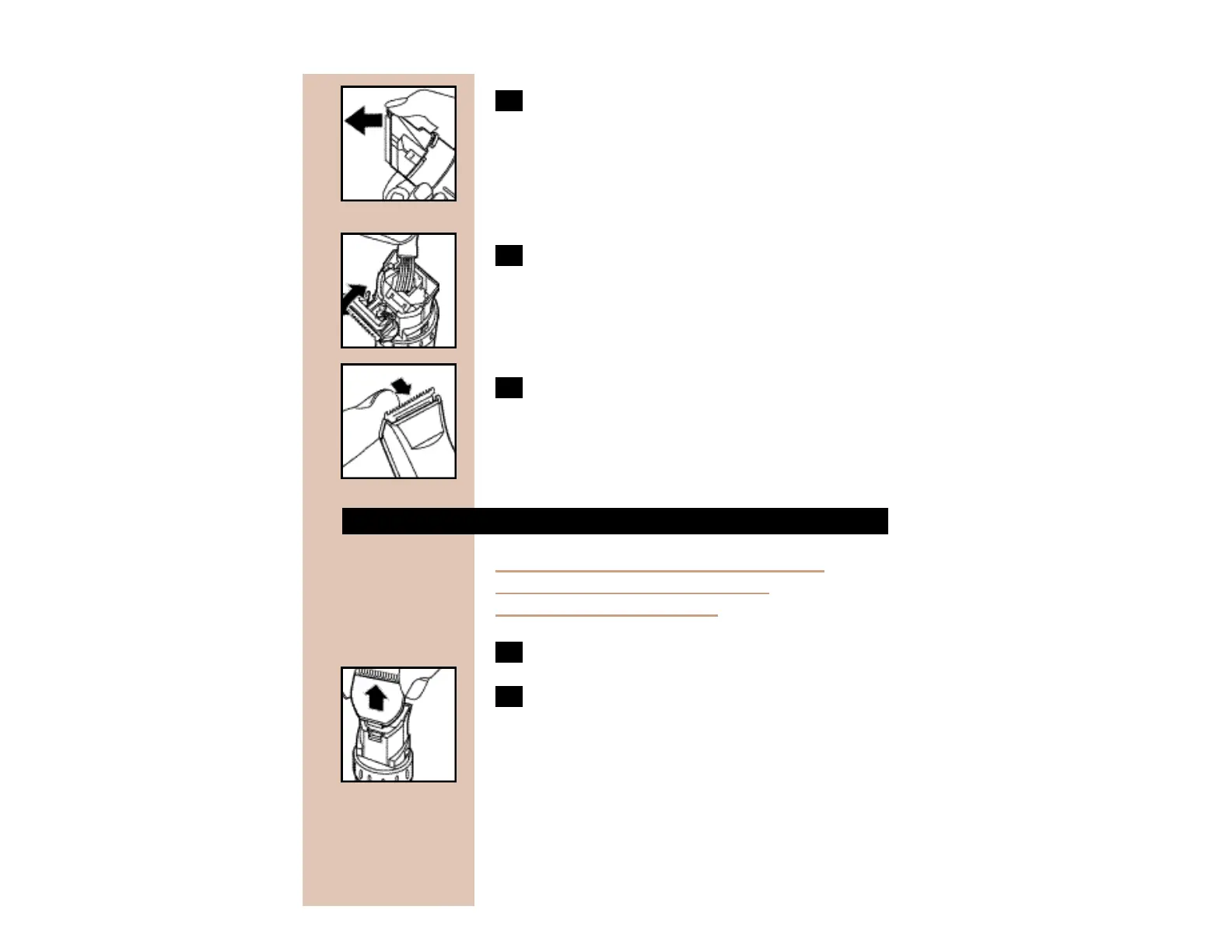
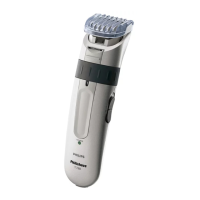
3 Open the cutting unit.
C
4 Clean the cutting unit and the inside of the
Trimmer with the brush supplied.
C
5 Close the cutting unit by pushing it back
into place on the Trimmer until you hear a
click.
REPLACING THE CUTTING UNIT
If your cutters become damaged or worn,
do not continue using the Trimmer.
Replace cutters immediately.
1 Open the cutting unit.
C
2 Remove the old cutting unit by pulling it
upwards.


 To Next Page