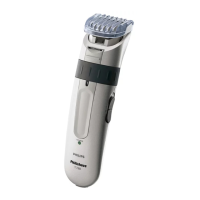
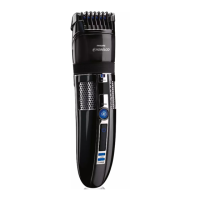
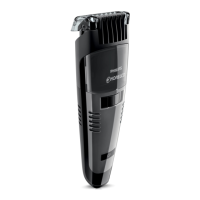
Trimming Without Guide Comb
Attachment
Remove Guide Comb Attachment if you are:
◗ Defining hair lines
◗ Trimming nape of neck
◗ Removing single, unwanted hairs
1 Be certain Trimmer is in the OFF position.
C
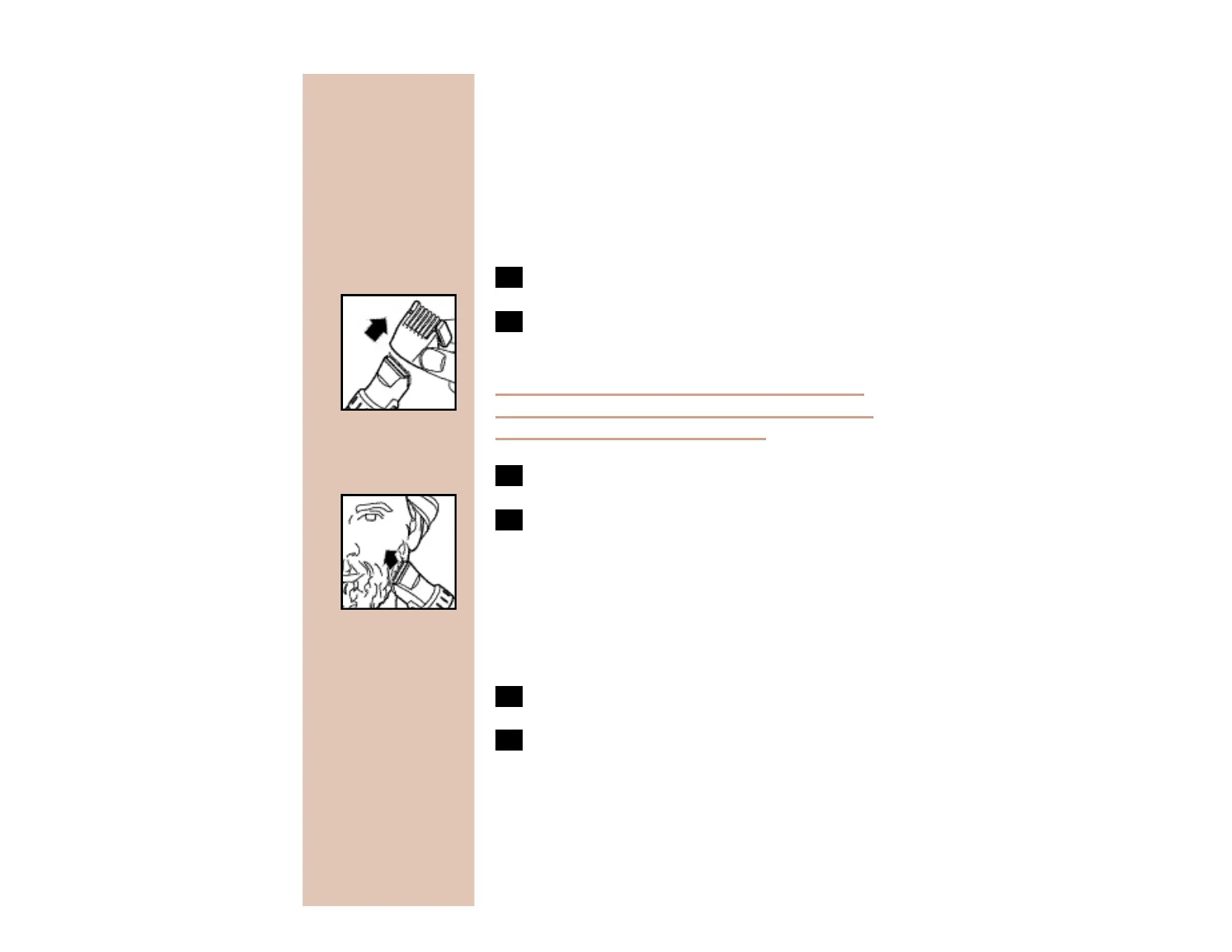
2 Remove the Guide Comb Attachment by
pulling it off the Trimmer.
Never pull off the Guide Comb Attachment by
grasping the flexible top portion. Always pull off
by the bottom part of attachment.
3 Switch the Trimmer on.
C
4 Make well-controlled movements. Touch
the hair lightly with the Trimmer.
Replacing Guide Comb Attachment
To Trimmer
1 Be certain Trimmer is in OFF position.
2 Replace Guide Comb Attachment until it
“clicks” into position. The Guide Comb
Attachment can be placed on Trimmer
only one way. If it does not fit properly,
reverse it.


 To Next Page