3
EN
2
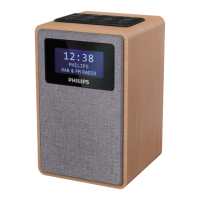
Your Internet radio
Congratulations on your purchase, and
ZHOFRPHWR3KLOLSV7RIXOO\EHQHÀWIURPWKH
support that Philips offers, register your product
at www.philips.com/support.
Introduction
With this unit, you can:
• Listen to Internet radio through network
connection.
• Listen to FM and Digital Audio Broadcasting
'$%UDGLR
• Play audio from Bluetooth devices.
• Use your phone, tablet or computer as a
remote control for Spotify.
• Know the time and set an alarm.
What's in the box
Check and identify the contents of your package:
• Main unit
• Table stand
• 1 x AC power adapter
• 1 x radio antenna
• 5HPRWHFRQWUROZLWK[$$$EDWWHULHV
• Printed materials
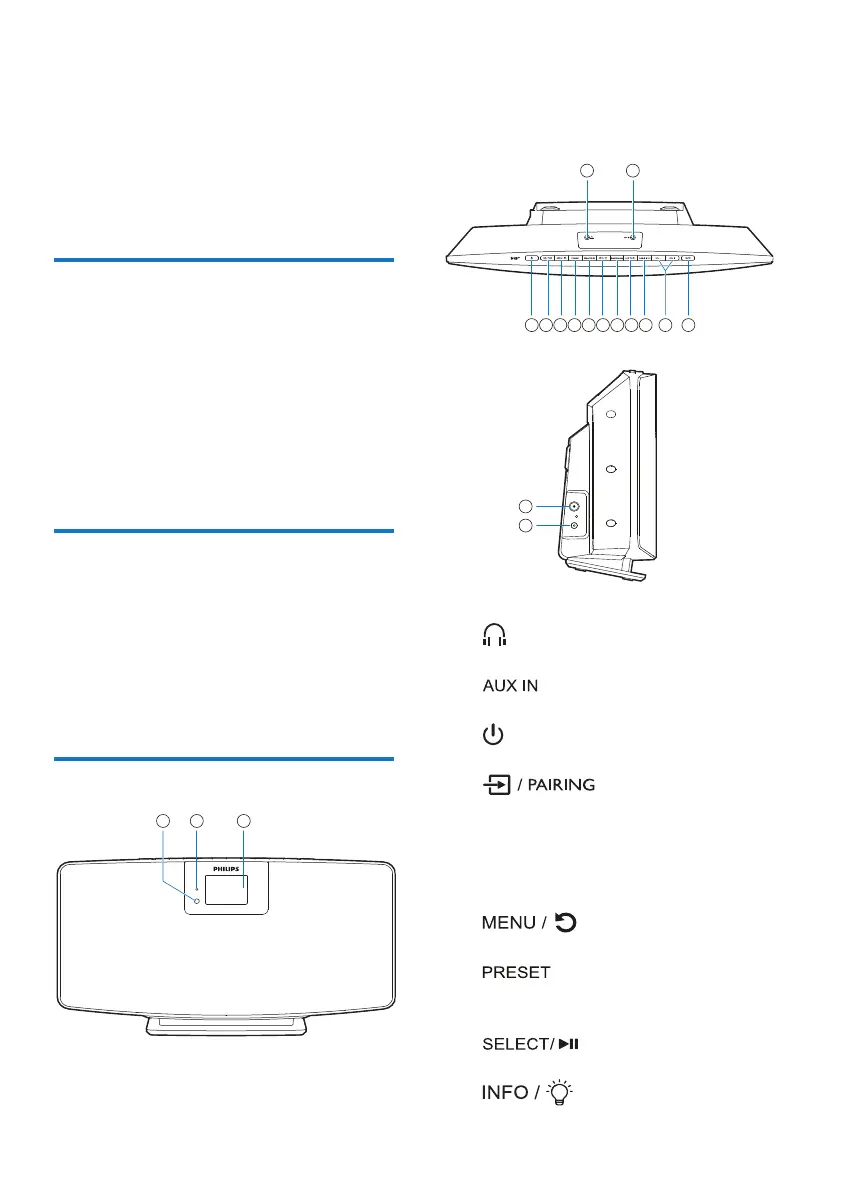
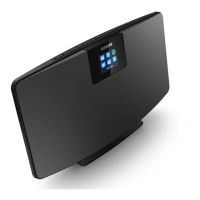
Overview of the main unit
IR sensor
LED indicator
• Standby indicator: turns red when this
product is switched to standby.
Display panel
• Show current status.
• Headphone socket.
• Connect to an external audio device.
• Switch on or to standby.
!
• Press to select a source: FM, DAB+,
AUDIO IN, BT.
• In Bluetooth mode, press and hold for
more than 2 seconds to enter pairing
mode.
"
• Go to the main menu.
#
• Select a preset Internet radio station, FM
radio station or DAB+ station.
$
• &RQÀUPVHOHFWLRQ
%


 To Next Page