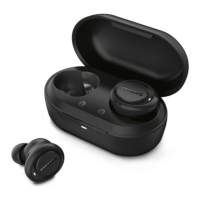
Single earpiece (Mono mode)
Take either right or left earpiece out
from charging box for Mono use. The
earpiece will power on automatically.
Philips TAT1109
The following example shows you
how to pair the earpieces with your
Bluetooth device.
Turn on the Bluetooth function of
your Bluetooth device, select
Philips TAT1109.
Enter the earpieces' password “0000”
(4 zeros) if prompted. For those
devices featuring Bluetooth 3.0 or
higher, there is no need to enter a
password.
Take the second earpiece from the charging box
and they will pair with each other automatically.
1
2
Turn on the Bluetooth function of
your Bluetooth device.
Pair the earpieces with your
Bluetooth device, refer to the user
manual of your Bluetooth device.
any previously connected Bluetooth device, it
will automatically switch to pairing mode..
3
4
Pair the earpieces with
your Bluetooth device for
1
2
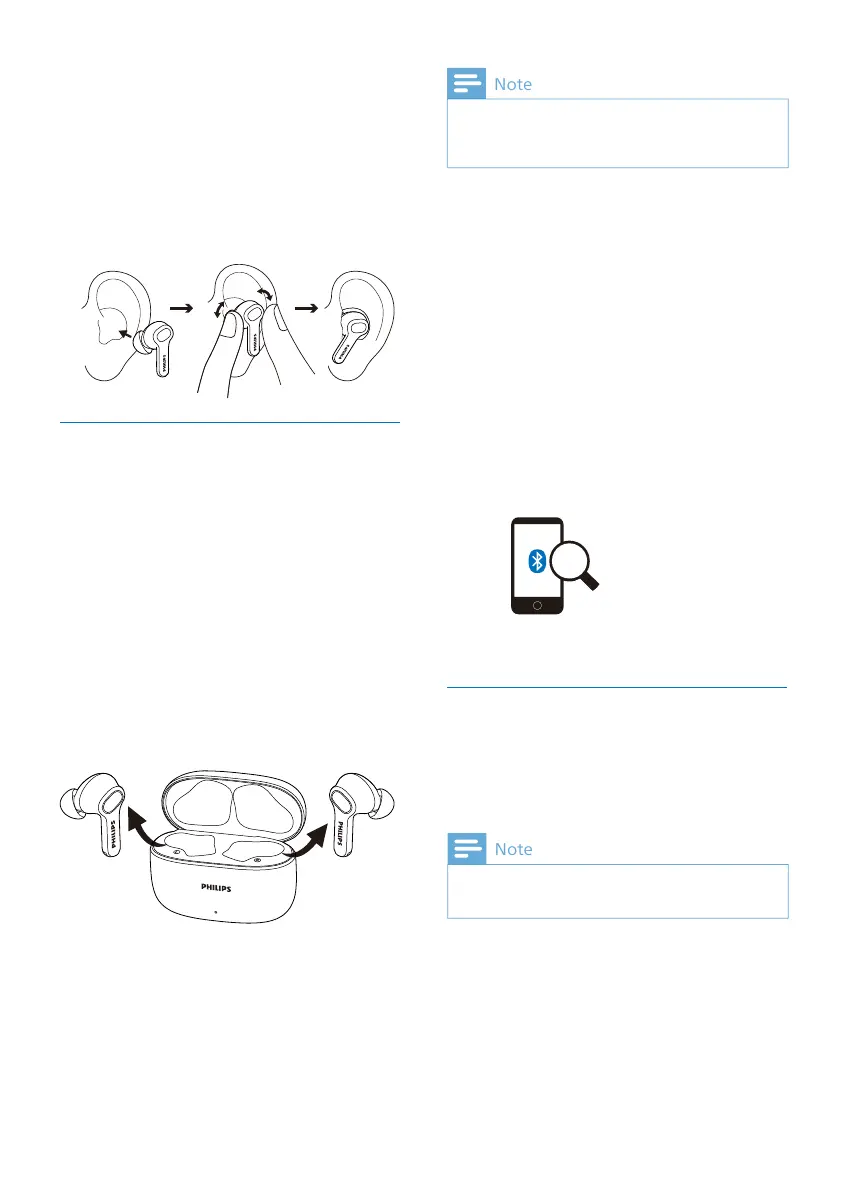
Check left or right orientation of the
earpieces.
Insert the earpieces into the ears
achieved.
Insert the earpieces
1
2
Make sure that the earpieces are fully
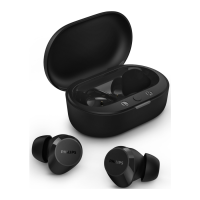
Open the cover of the charging case.
Take the earpieces out. The earpieces
are now in pairing mode and are
ready to pair with a Bluetooth device
(e.g. a mobile phone).



 To Next Page